
Rather than using a separate plugin or paid service, I used macOS’s Automator application to create a folder action that converts popular image and video file types to AVIF and WebM, respectively. This way, regardless of the media format, I can drop it into a predetermined folder on my Mac Studio and MacBook Pro, and the corresponding AVIF or WebM file will be generated.
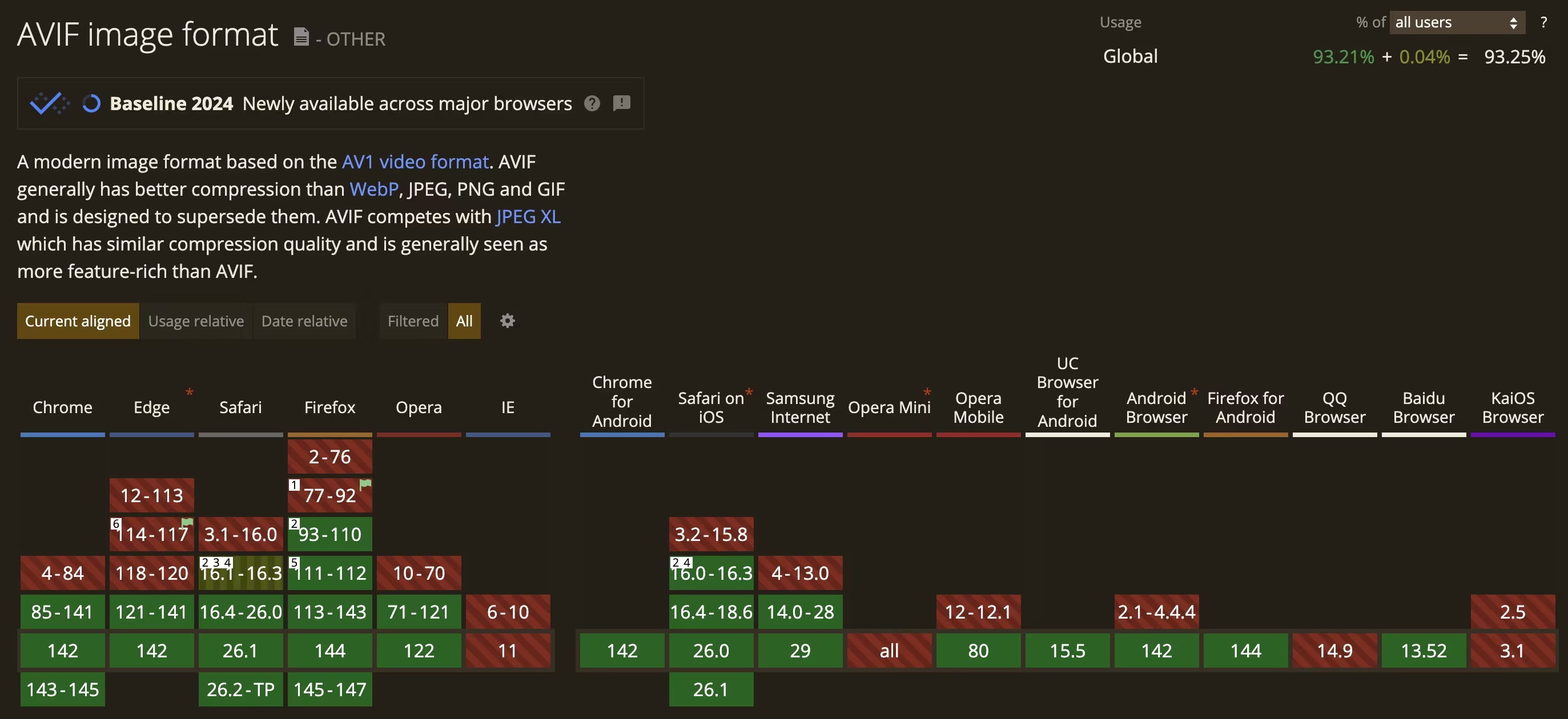
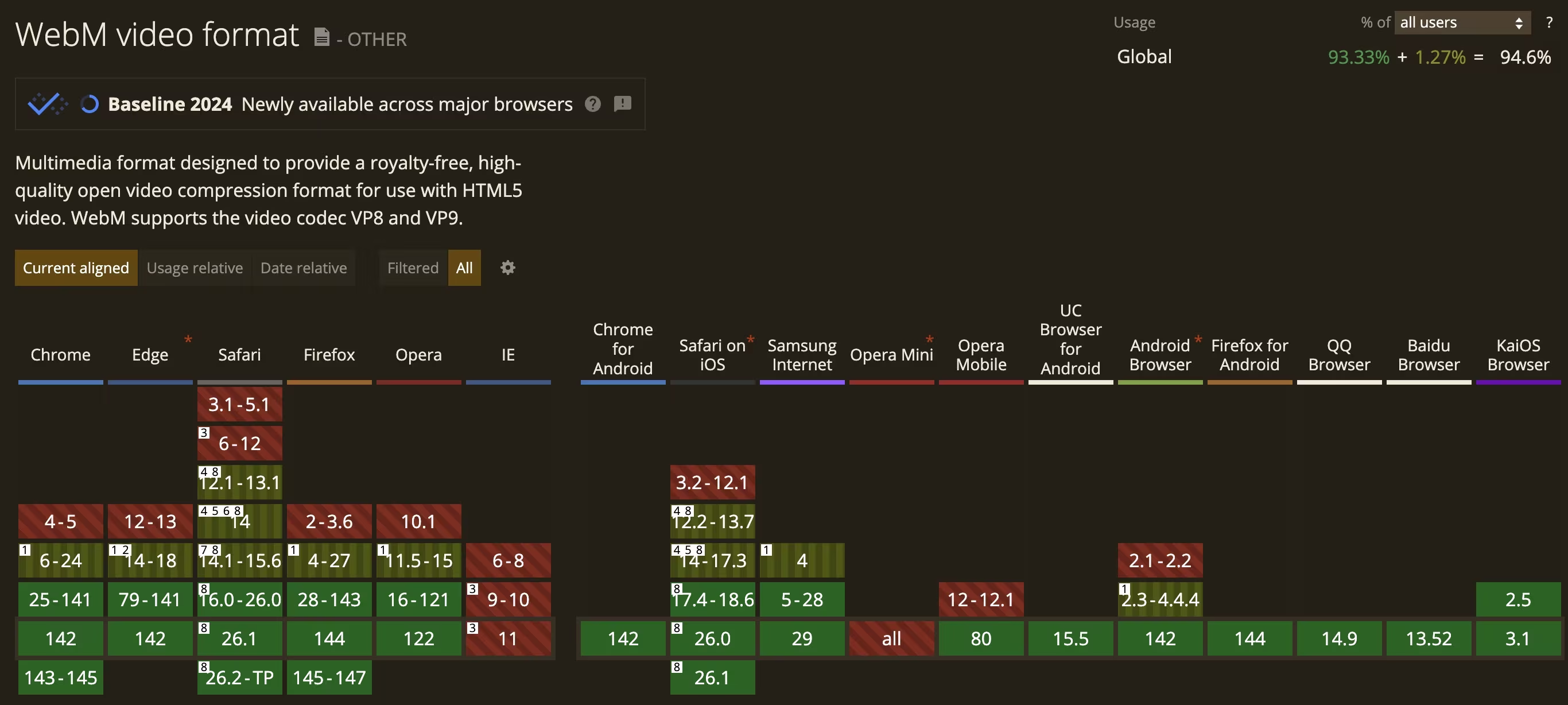
At the time of this writing, both AVIF and WebM are considered “available across major browsers” by CanIUse. In the spirit of streamlining performance with my website’s 2026 redesign, this was the time to implement these formats.
How To Create Your Own AVIF/WebM Media Conversion Folder Action
Using a Terminal in macOS, you’ll need to install Homebrew and the relevant libraries:
/bin/bash -c "$(curl -fsSL https://raw.githubusercontent.com/Homebrew/install/HEAD/install.sh)"
eval "$(/opt/homebrew/bin/brew shellenv)"
brew update
brew install ffmpeg
brew install imagemagick
brew install libavif
Next, open Automator → Folder Action. In the right-sided workflow pane at the top, change the “Folder Action receives files and folders added to” to whichever folder you want.
In the left-sided pane at the top, search for “Run Shell Script”, select the option, and drag it to the workflow on the right. Leave Shell as “/bin/zsh”, but change Pass input to “as arguments.”
Then, replace the body of the script with the following:
#!/bin/zsh

FFMPEG="/opt/homebrew/bin/ffmpeg"
MAGICK="/opt/homebrew/bin/magick"

# Defining the image and video extensions which will be used as inputs
image_exts=("jpg" "jpeg" "png" "webp")
video_exts=("mp4" "mov" "avi" "mkv" "m4v")

log_file="/tmp/automator_media_convert.log"

echo "Run at $(date)" >> "$log_file"

for f in "$@"; do
    [[ -f "$f" ]] || continue

    ext="${f##*.}"
    ext="${ext:l}"

    # Handle images convert to AVIF
    if [[ " ${image_exts[*]} " == *" $ext "* ]]; then
        output="${f%.*}.avif"
        tmp_output="${f%.*}.tmp.avif"

        echo "Image convert $f -> $output (via $tmp_output)" >> "$log_file"

        # Use all available threads for ImageMagick
        MAGICK_THREAD_LIMIT=0 "$MAGICK" -limit thread 0 "$f" -quality 60 "$tmp_output" \
            >>"$log_file" 2>&1

        if [[ -f "$tmp_output" ]]; then
            mv "$tmp_output" "$output"
            rm "$f"
            echo "Image success for $f" >> "$log_file"
        else
            echo "Image conversion failed for $f" >> "$log_file"
        fi

        continue
    fi

    # Handle videos  convert to WebM
    if [[ " ${video_exts[*]} " == *" $ext "* ]]; then
        output="${f%.*}.webm"
        tmp_output="${f%.*}.tmp.webm"

        echo "Video convert $f -> $output (via $tmp_output)" >> "$log_file"

        # Use libvpx vp9 with heavy parallelism and good quality
        "$FFMPEG" -y -i "$f" \
          -c:v libvpx-vp9 -crf 30 -b:v 0 \
          -row-mt 1 -tile-columns 4 -frame-parallel 1 \
          -auto-alt-ref 1 -lag-in-frames 25 \
          -threads 0 \
          -c:a libopus -b:a 128k "$tmp_output" \
          >>"$log_file" 2>&1

        if [[ -f "$tmp_output" ]]; then
            mv "$tmp_output" "$output"
            rm "$f"
            echo "Video success for $f" >> "$log_file"
        else
            echo "Video conversion failed for $f" >> "$log_file"
        fi

        continue
    fi

    echo "Skipping $f (extension $ext not in any list)" >> "$log_file"
done
Now, in a custom WordPress plugin (or you can add it to your theme’s functions.php file), I added the following functions to stop generating any scaled versions of the uploaded AVIF.
// 1. Disable the big "scaled" image
add_filter( 'big_image_size_threshold', '__return_false' );

/**
 * 2. Stop generating intermediate sizes (thumbnail, medium, large, 1536, 2048, etc)
 */
function rk_disable_intermediate_sizes( $sizes, $metadata ) {
    return array(); // no sizes at all
}
add_filter( 'intermediate_image_sizes_advanced', 'rk_disable_intermediate_sizes', 10, 2 );

/**
 * 3. Clear any custom sizes registered by themes or plugins
 */
function rk_clear_additional_image_sizes() {
    global $_wp_additional_image_sizes;
    $_wp_additional_image_sizes = array();
}
add_action( 'init', 'rk_clear_additional_image_sizes', 999 );

Leave a Reply