I Like Tech
As a child, my dad encouraged me to tear apart old computers, learn about the components, and understand how software interacted with hardware to accomplish amazing things. As a result, I started building computers at a very young age because the logical nature of computing was incredibly appealing. Around the same time, I grew fond of how cars work. I learned about the different parts of an internal combustion engine, how they interact, and how to troubleshoot problems. The real springboard for my insatiable love of technology was learning about the Internet’s architecture, protocols, DNS, servers, and building websites with PHP, HTML, and JavaScript in my early-to-mid teens. After that, I branched out, taking on freelance projects and code contributions, dabbled in Java/Android programming, and learned how to apply my growing tech knowledge/skills to my career in healthcare. In the process, I also developed a free iOS ultrasonography app called EchoTools (later renamed EchoRef) during my fellowship and expanded on this by creating a suite of other free reference iOS apps (learn more at https://rkref.app).
Meet The Gear

Workstation
Apple Mac Studio M3 Ultra

Notebook
Apple MacBook Pro 16″ M4 Max

Tablet
Apple iPad Pro 11″ with Magic Keyboard

Battlestation
Project Frost – Custom Gaming PC Build
Homelab
AI, Storage, Docker, Automations

Phone
Apple iPhone 17 Pro Max

Cans
Apple AirPods Max USB-C

Lens
DJI Mini 4 Pro Drone &
Osmo Pocket 3
Time
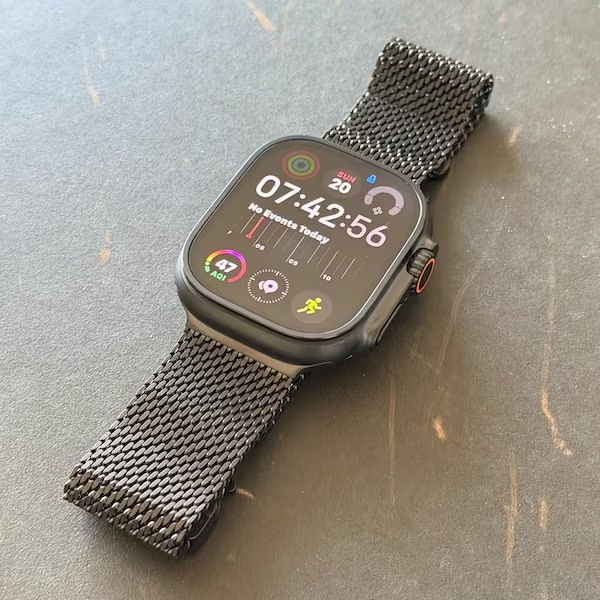
Apple Watch Ultra 4
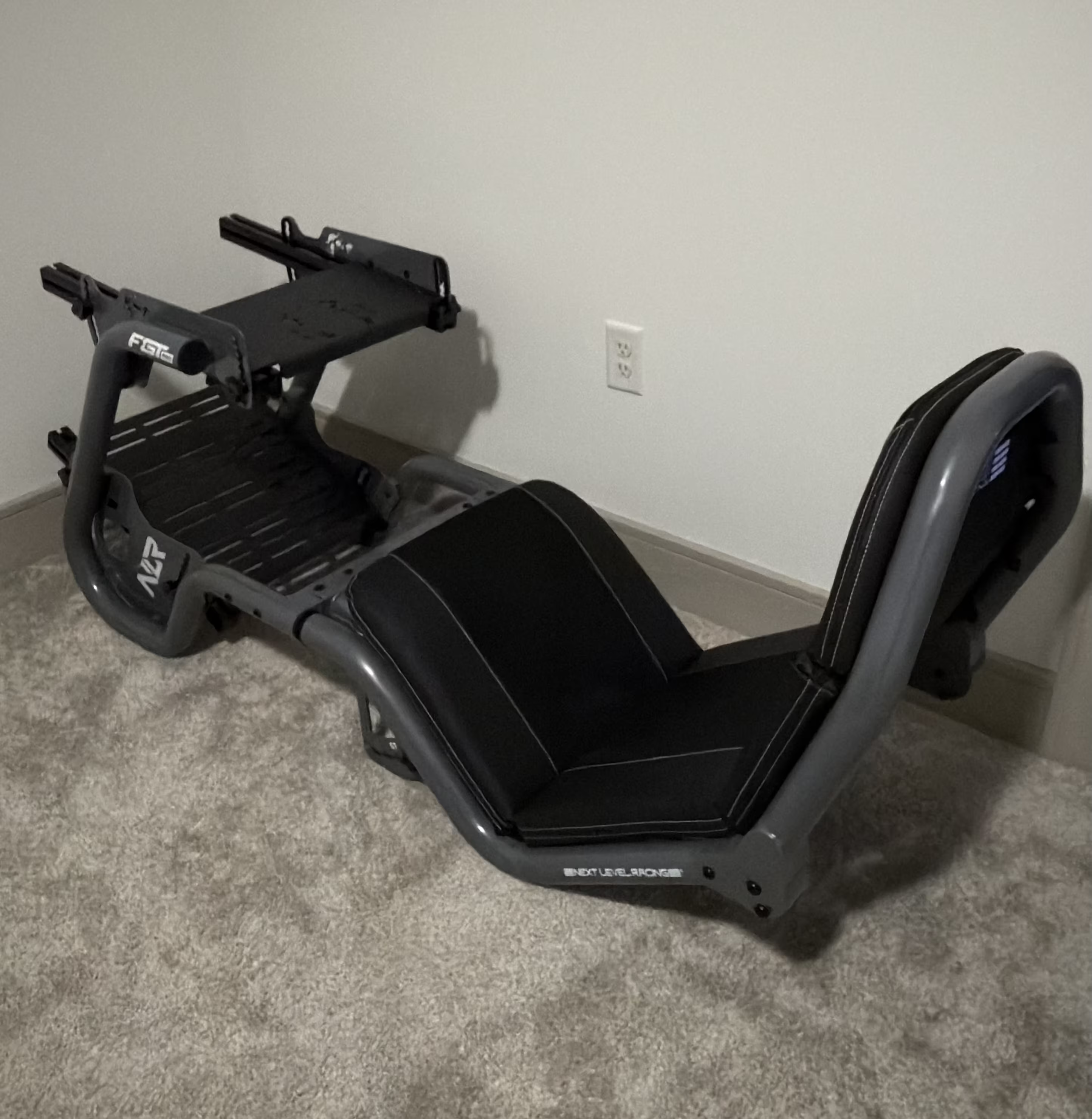
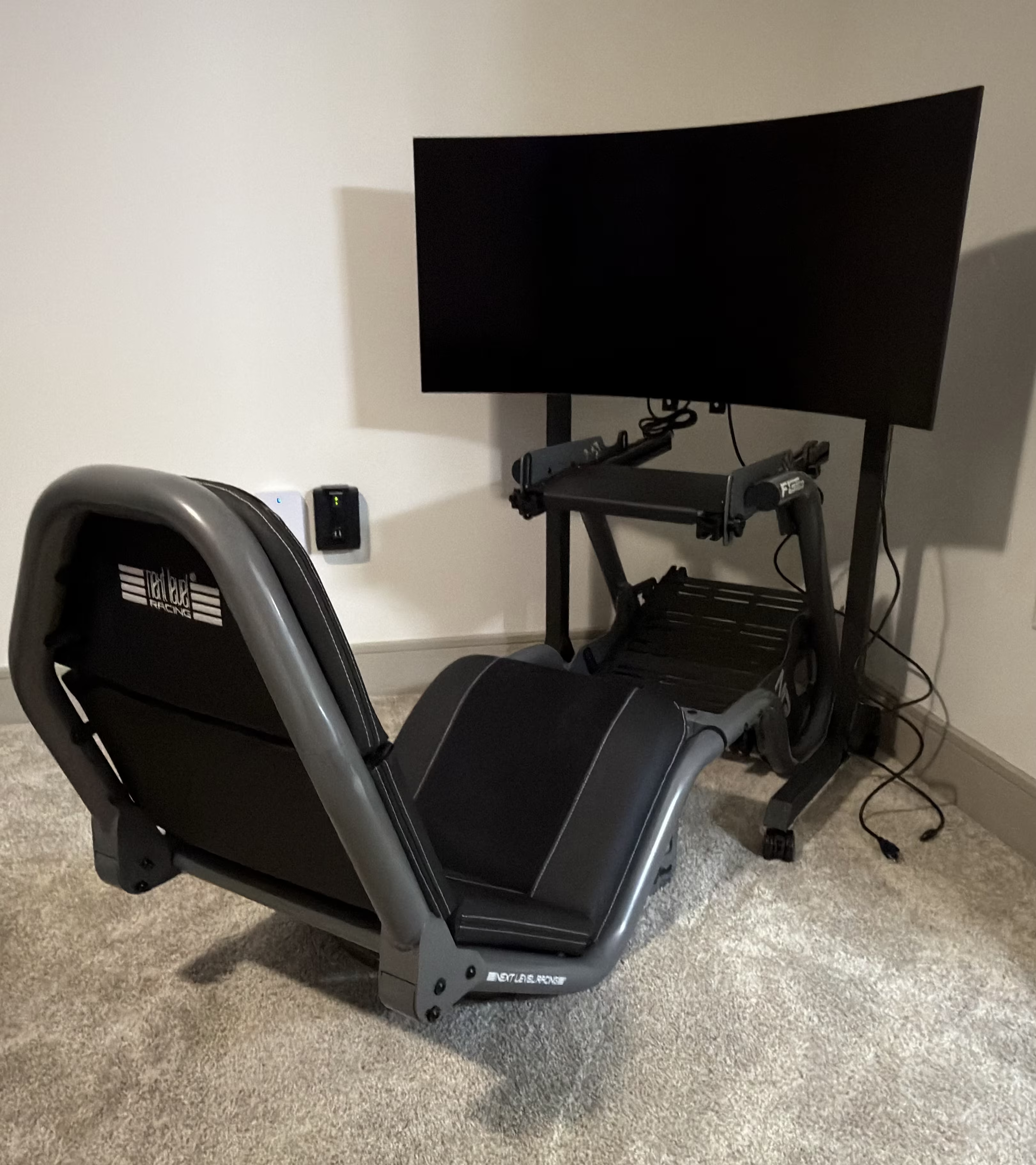
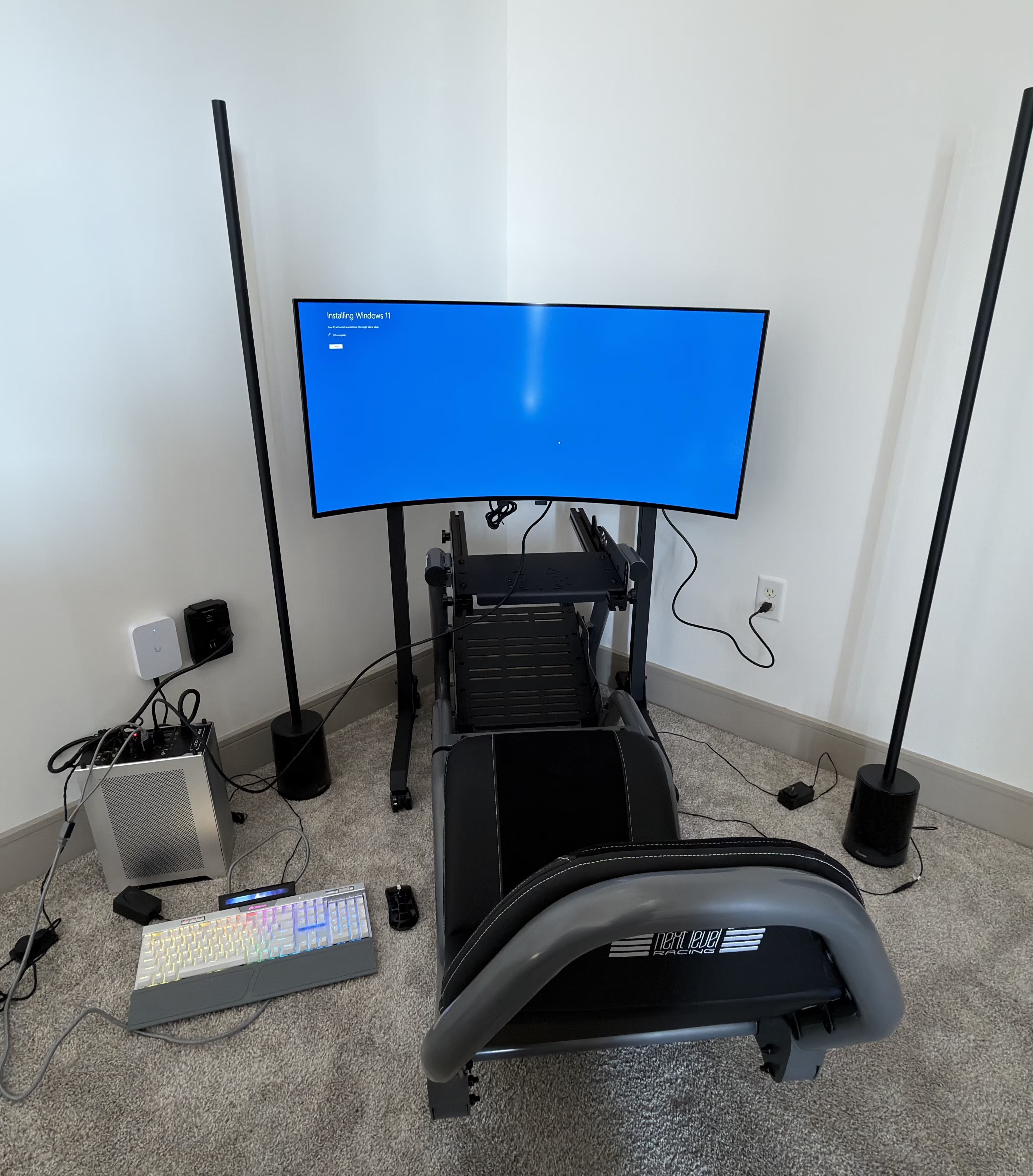
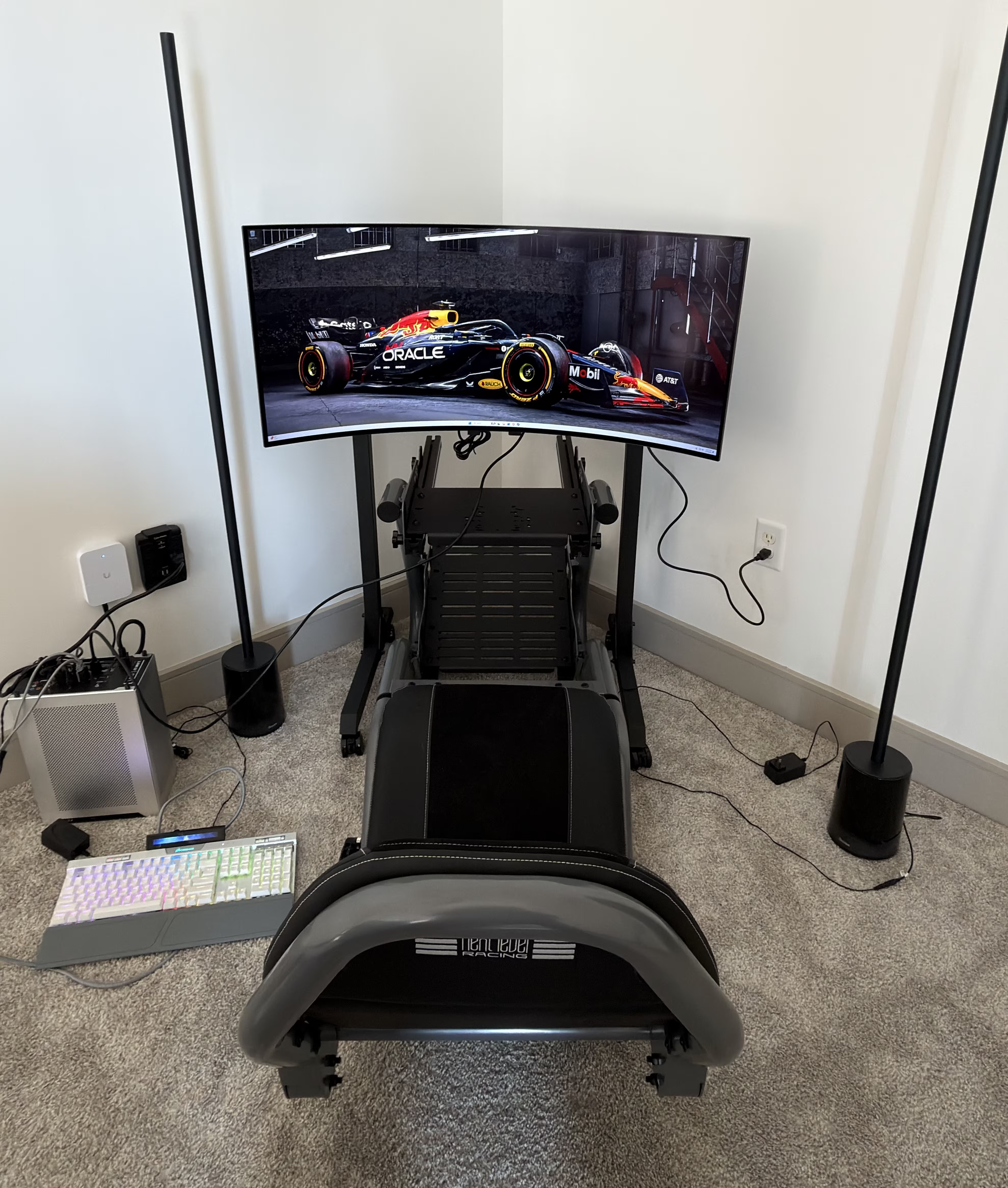
Racing Simulator
I like fast cars.
Driving… watching GT and F1… learning about engines and efficiency, drag coefficients and gear ratios, tire compounds and braking points. The mechanical precision of racing appeals to the mathematical part of my mind. A small input to the steering wheel or brake load cell… and the system responds predictably. Too much throttle or braking, and you’ll pay for it by missing the apex or veering off track. Too little commitment, and you leave valuable lap time on the track.
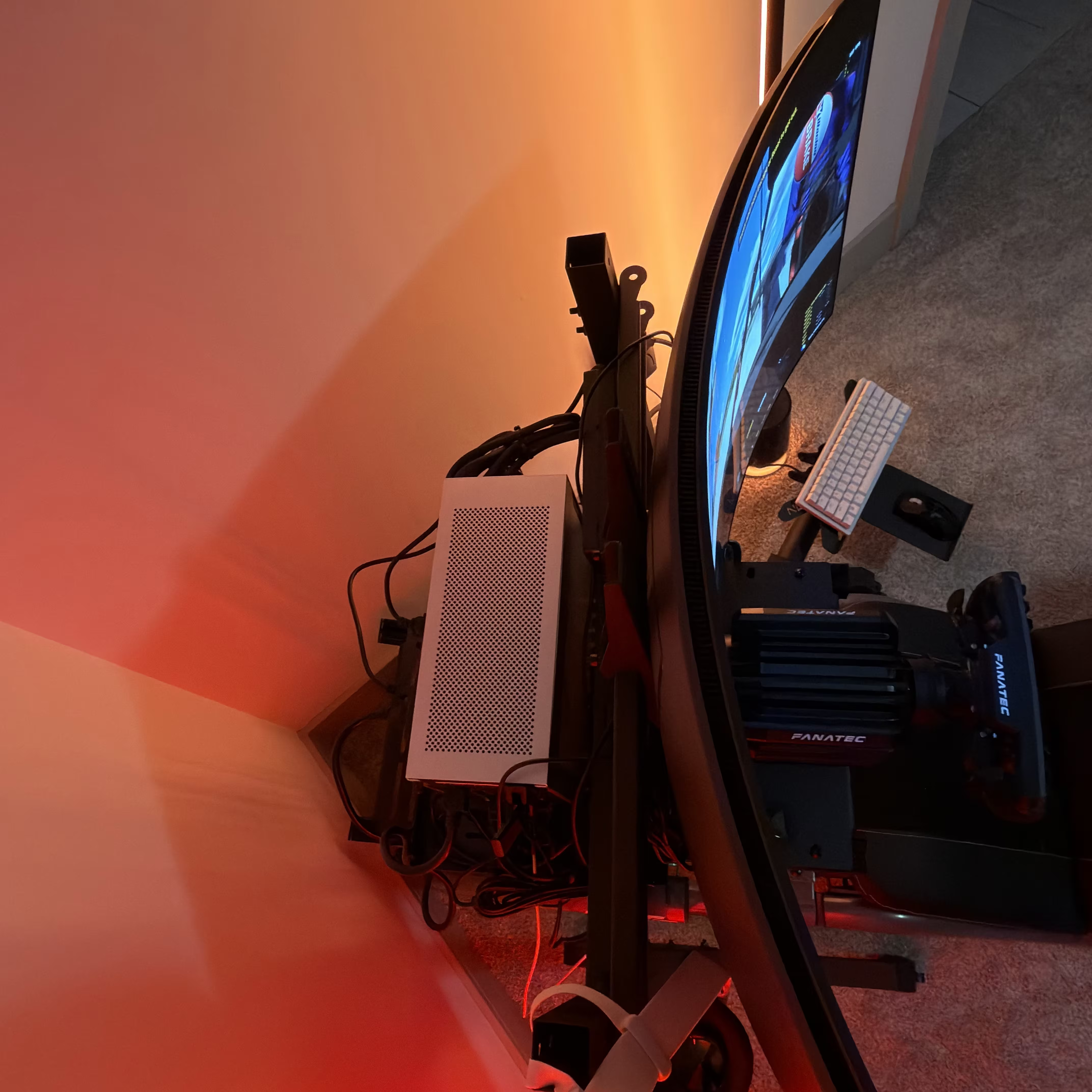
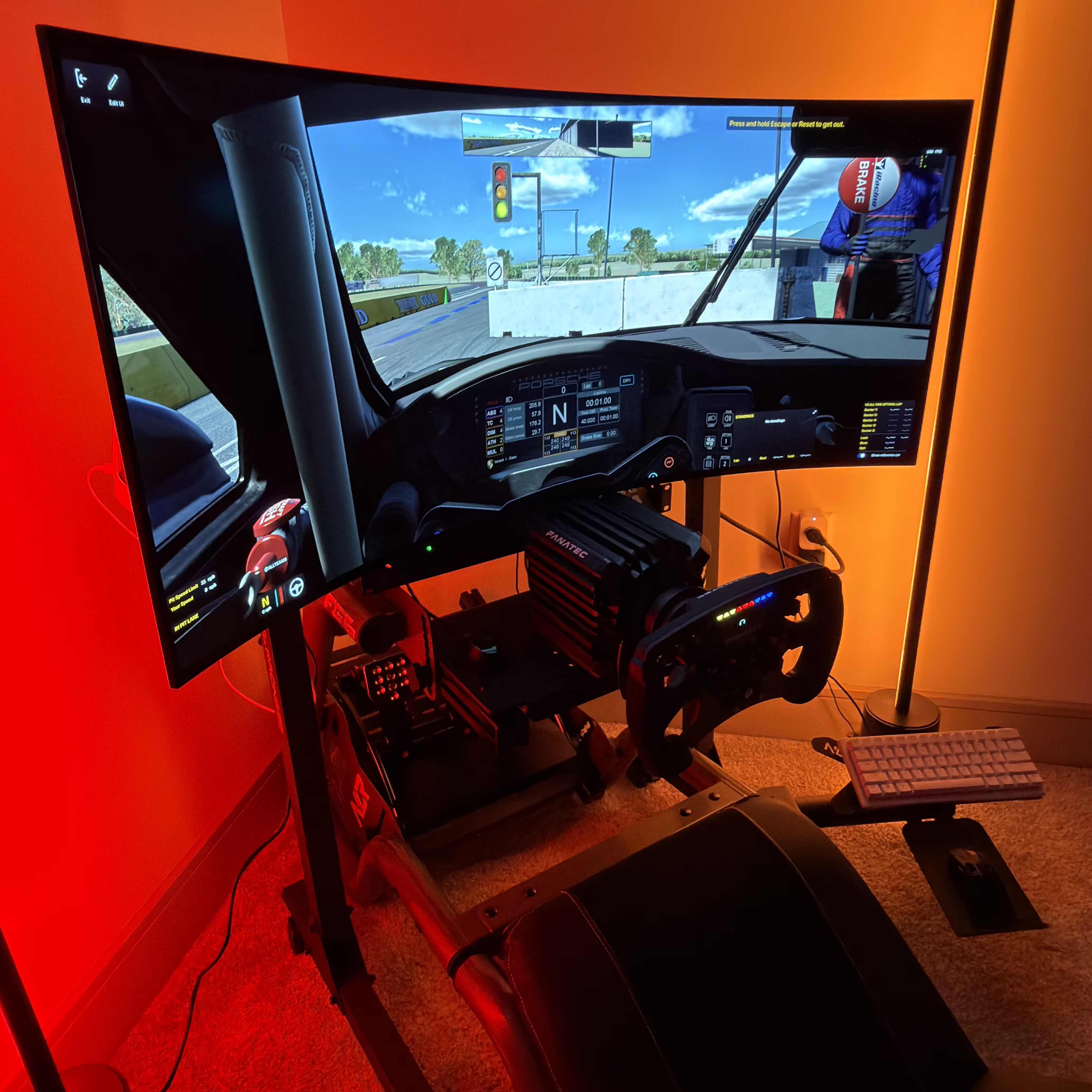
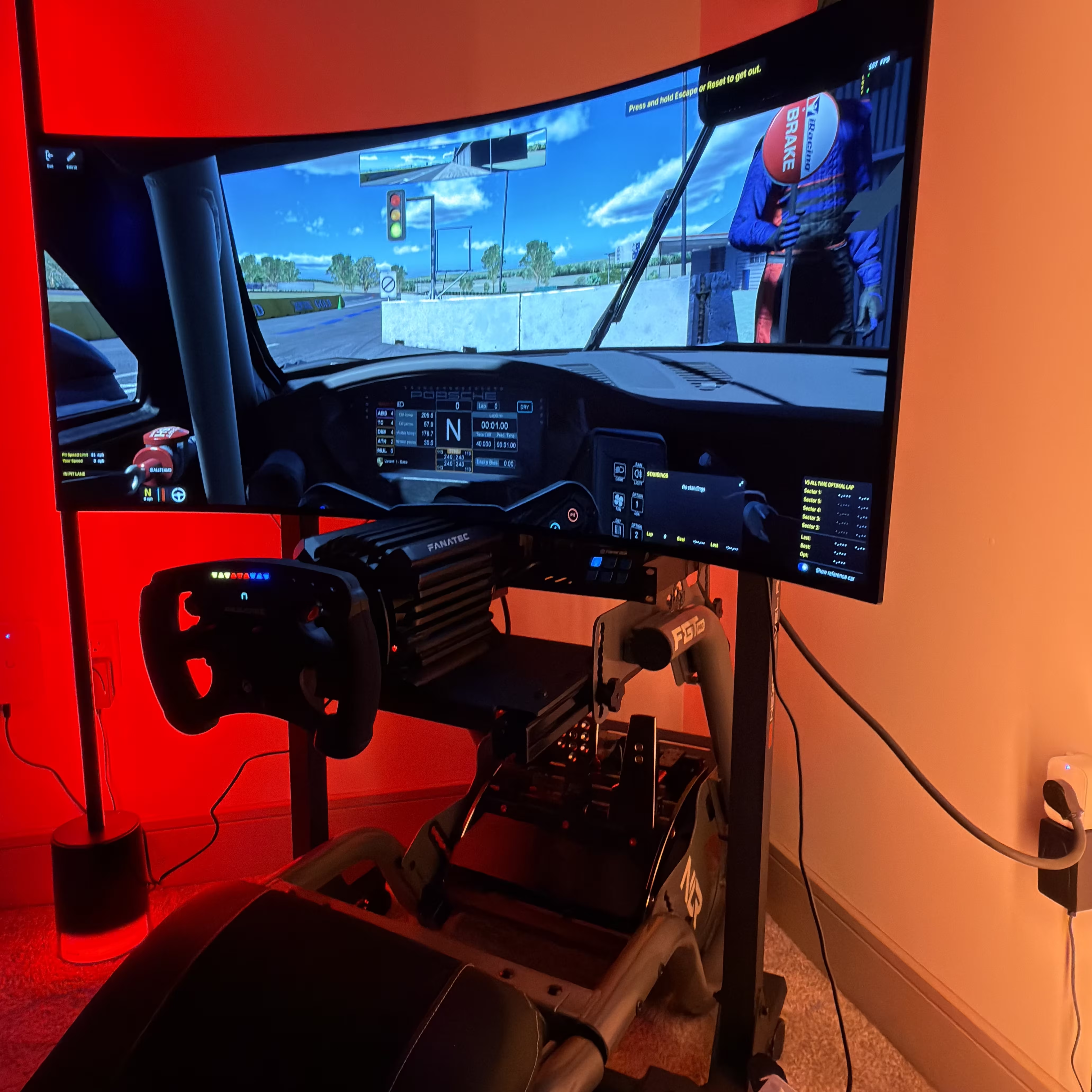
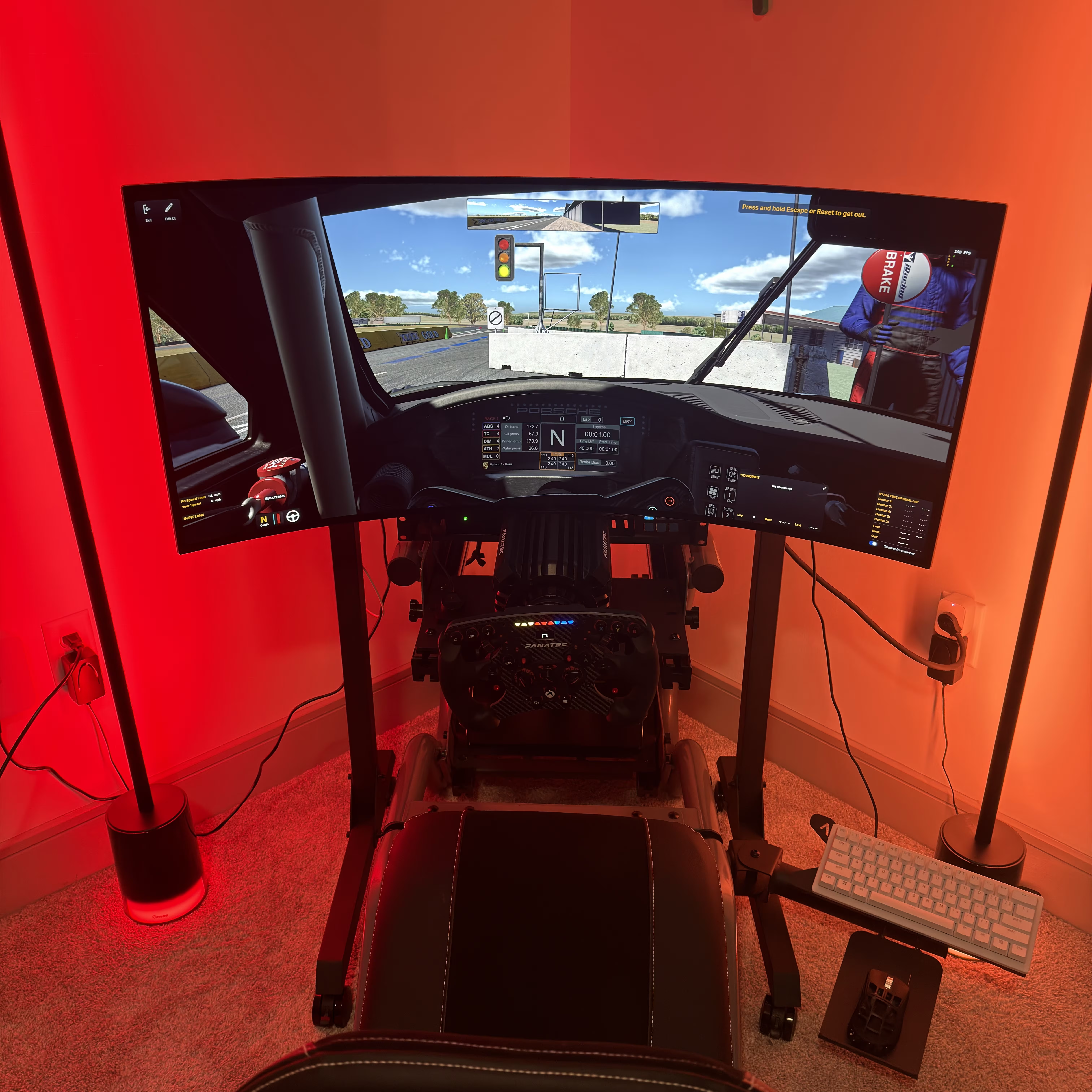
Building a racing simulator felt like a natural extension of that curiosity. Not to chase lap records, but to understand feel. Load transfer under braking, how aero grip builds with speed, why a car that feels stable at turn-in with trail braking can still punish you on exit, a wheel with proper force feedback, a pedal set that demands pressure rather than travel… just so much cool stuff to consider.
| Cockpit | Sim Lab P1X-Pro |
| Seat | Sim Lab S1 Enduro with Sim Lab Sparco Seat Slider |
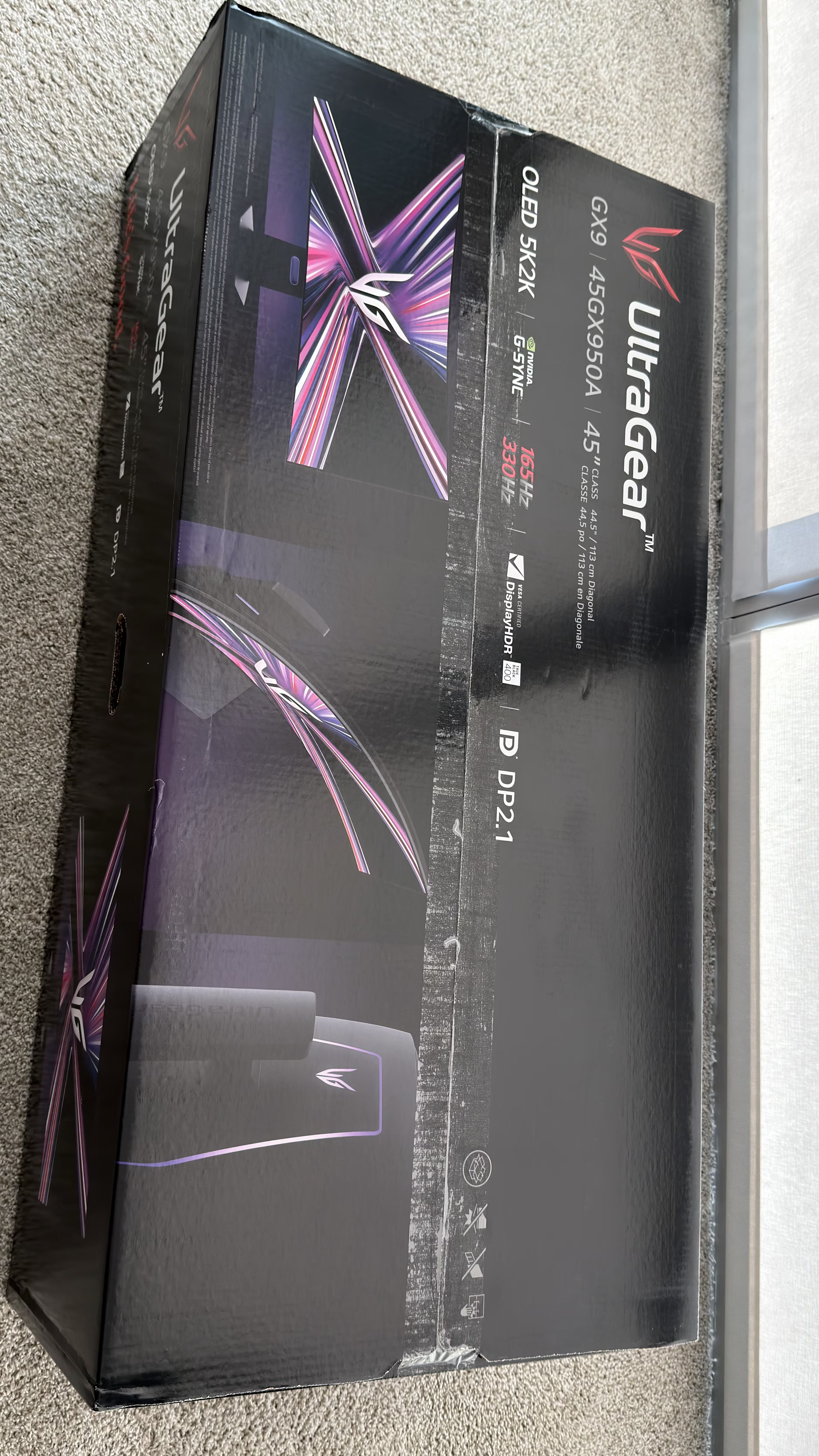
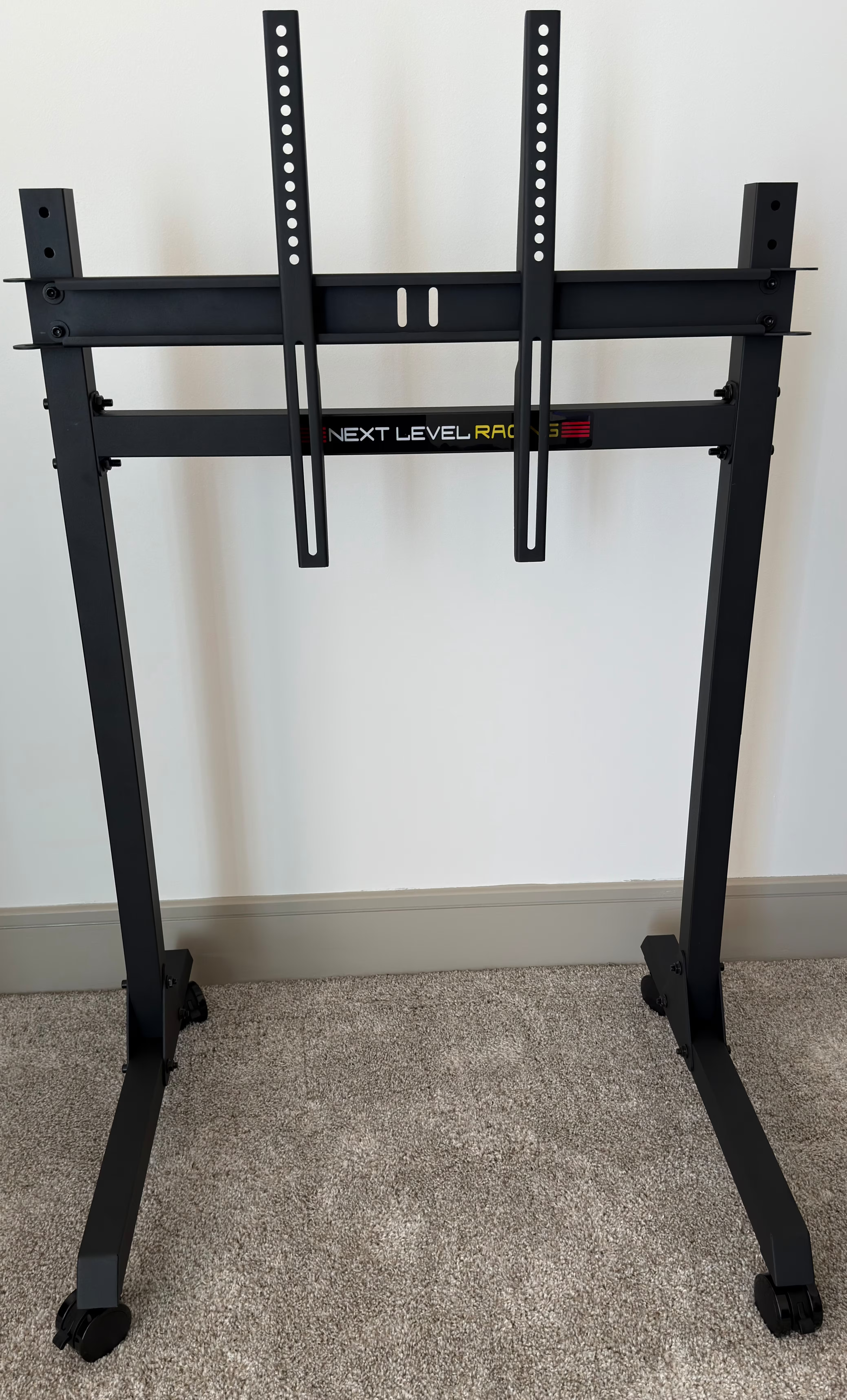
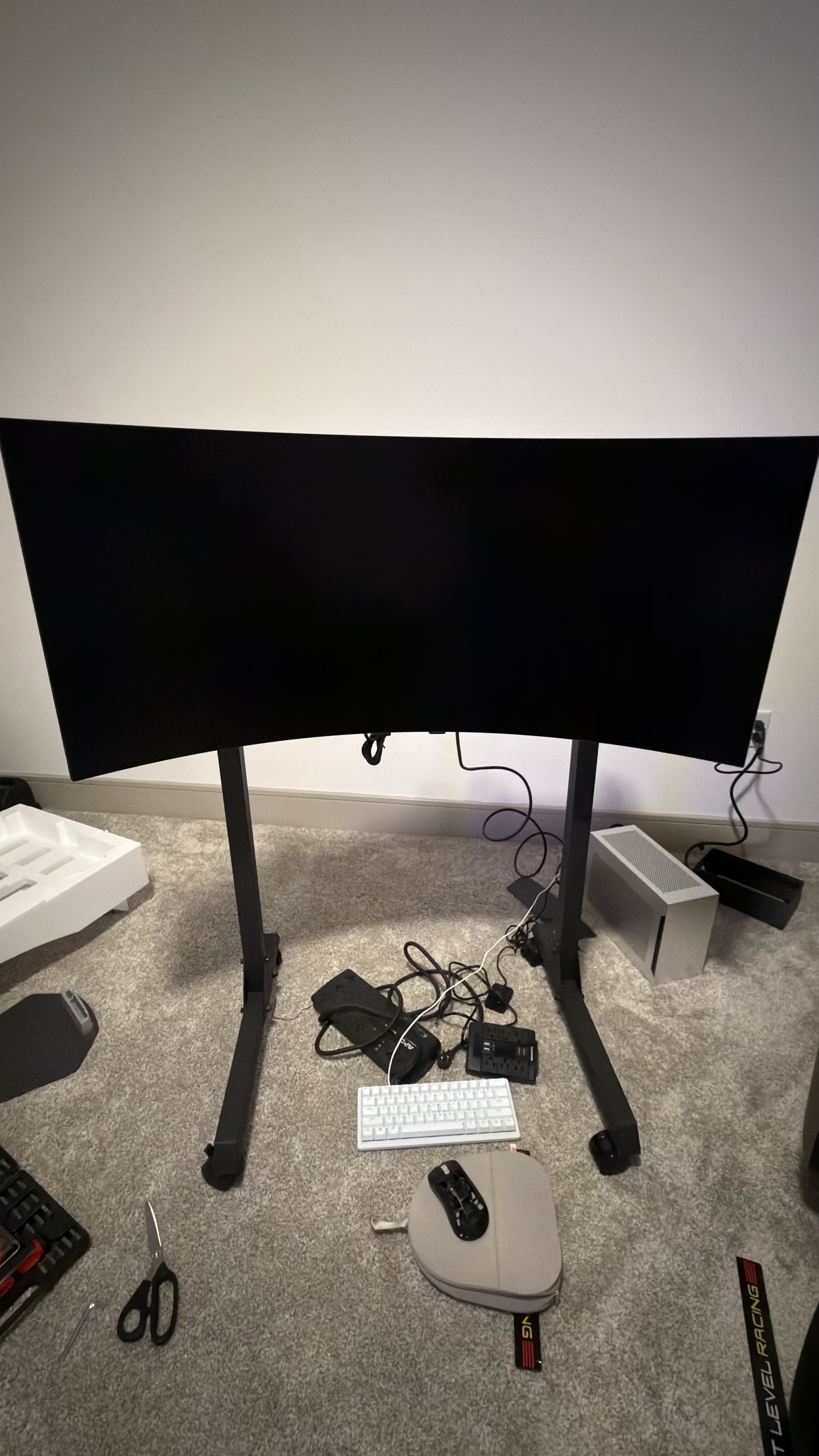
| Monitors | Sim Lab Triple Monitor Mount with 3 x Samsung Odyssey 31.5″ Sim Lab Quad Monitor Stand with LG 45-inch UltraGear 5K2K Curved Gaming Monitor |
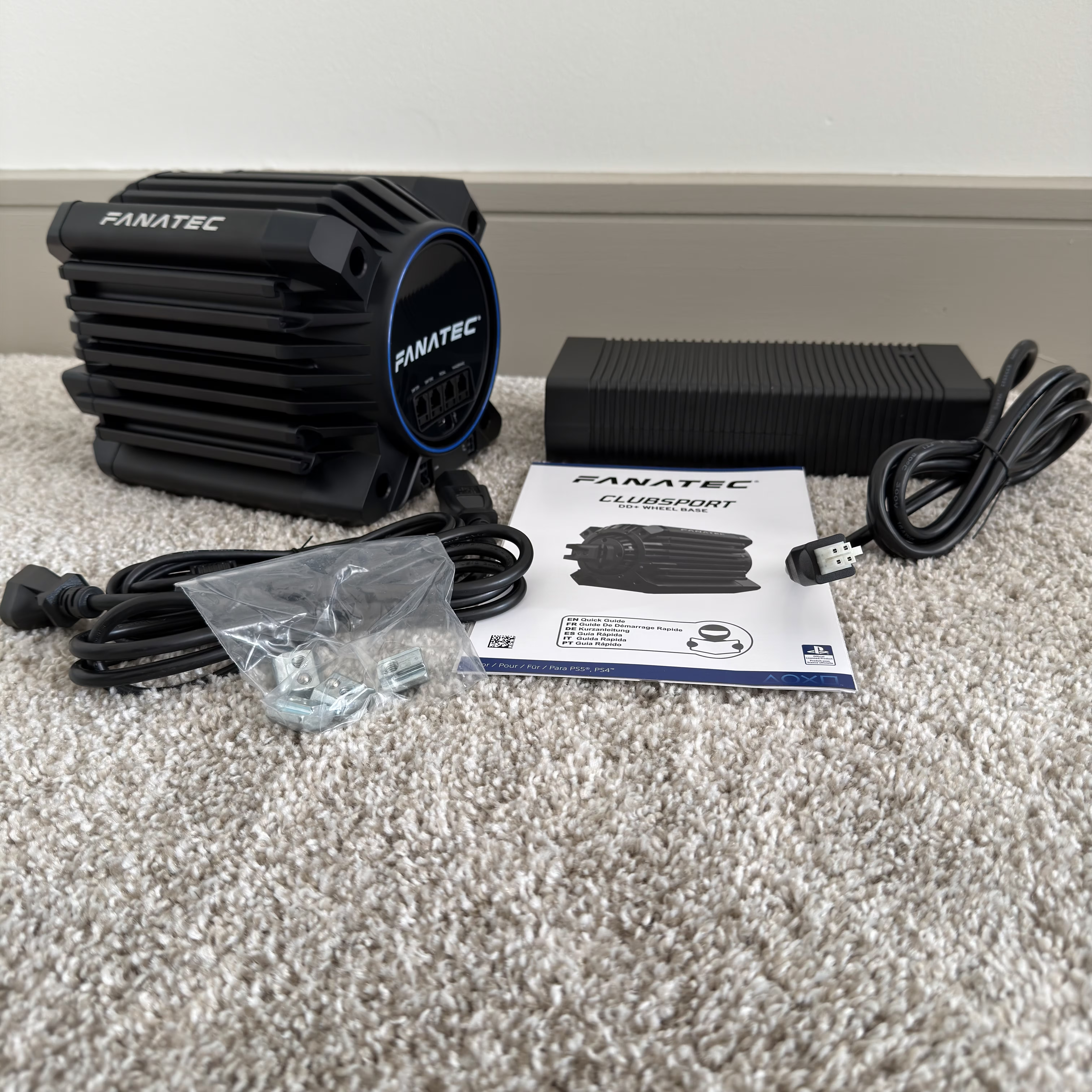
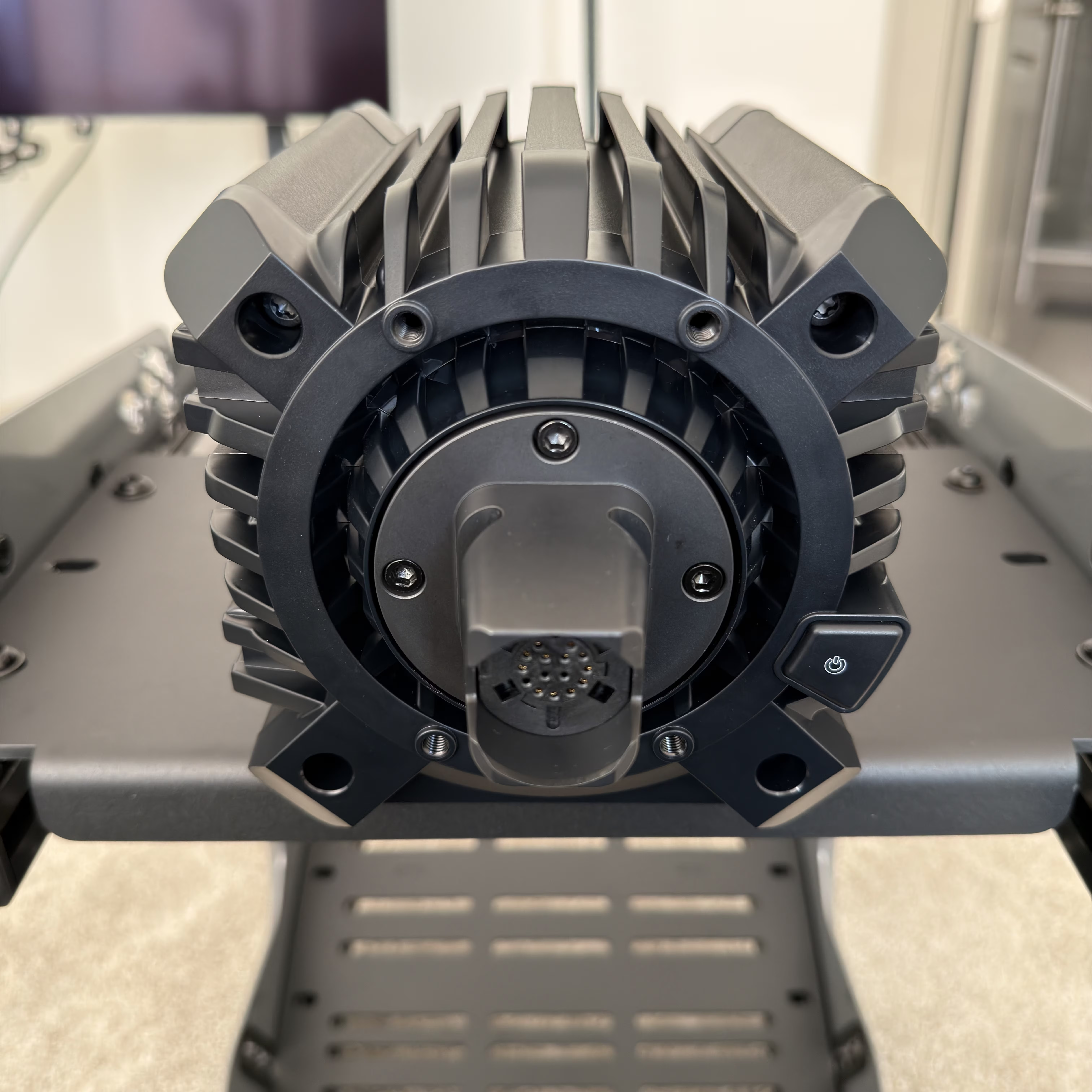
| Wheel Base | Fanatec ClubSport DD+ |
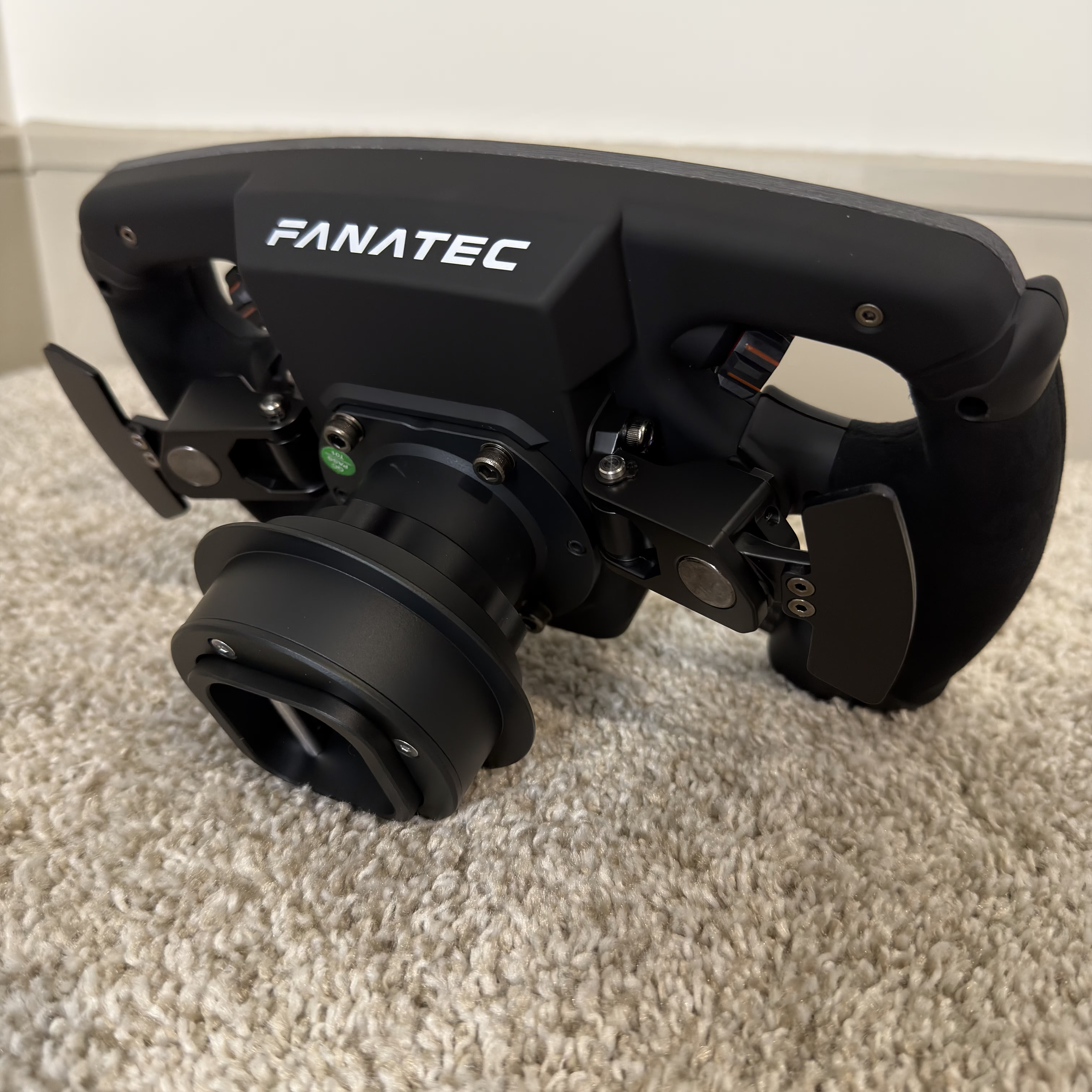
| Quick Release | Fanatec Sim Racing QR2 Wheel-Side |
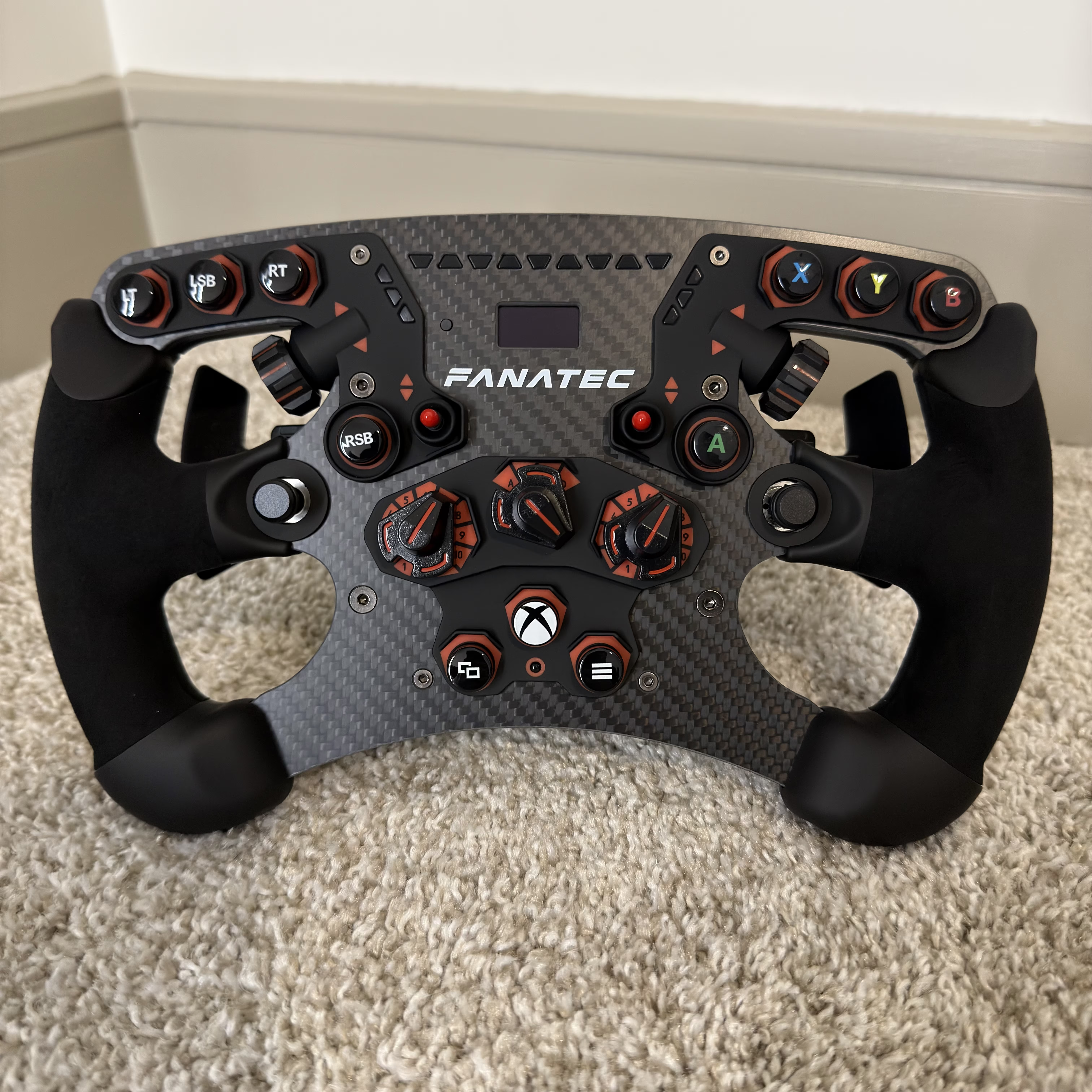
| Steering Wheels | – Fanatec ClubSport Steering Wheel Formula V2.5 X – Fanatec CSL Elite Steering Wheel Porsche Vision GT |
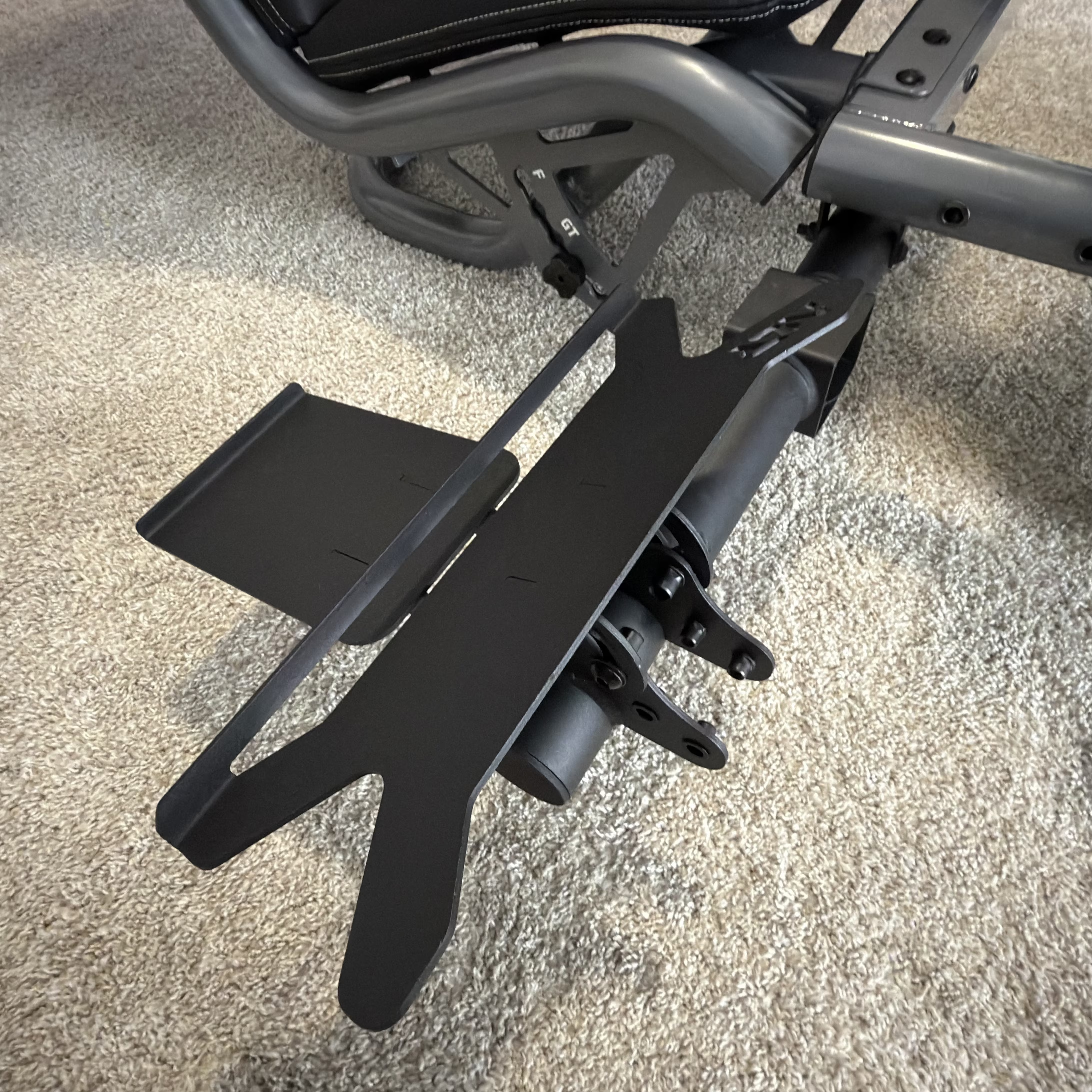
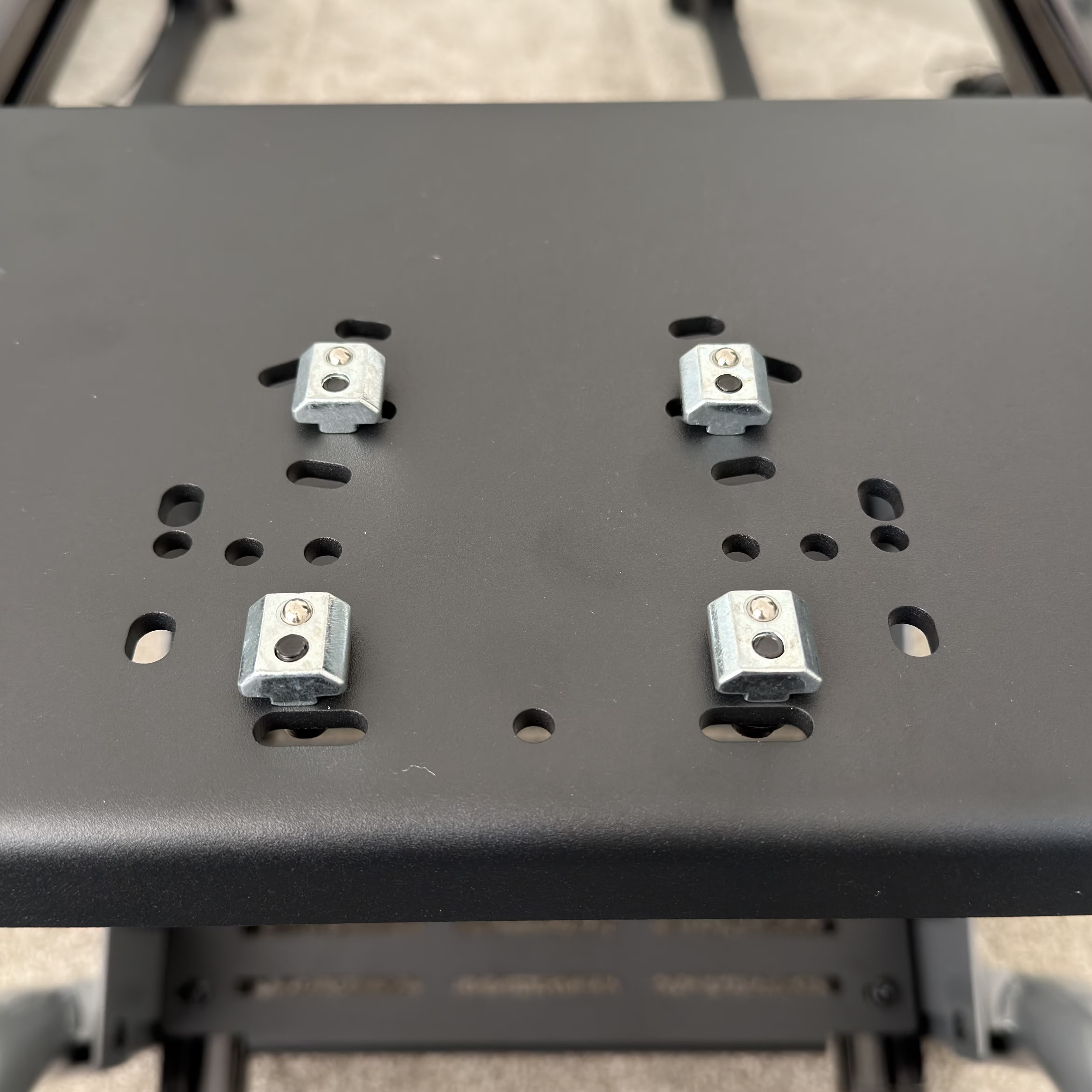
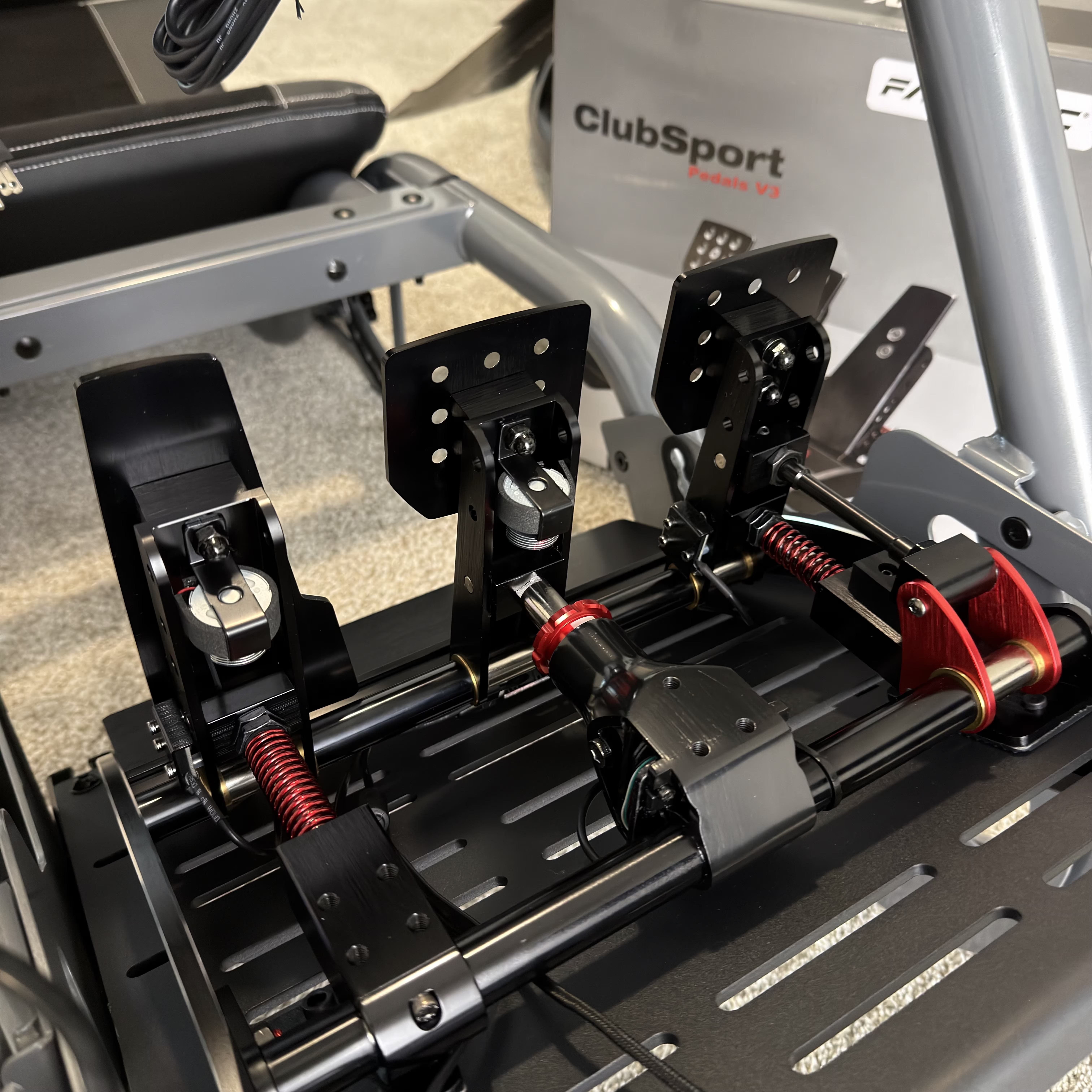
| Pedals | Sim Lab Pedal Slider Base with Fanatec ClubSport Pedals v3 |
| Belt Tensioner | Qubic QS-BT1 |
| Dash | DV480 Pro V5 SimRacing Dashboard |
| Action Trigger | Elgato Stream Deck MK.2 |
| Speakers | Edifier M60 Compact 2.0 |
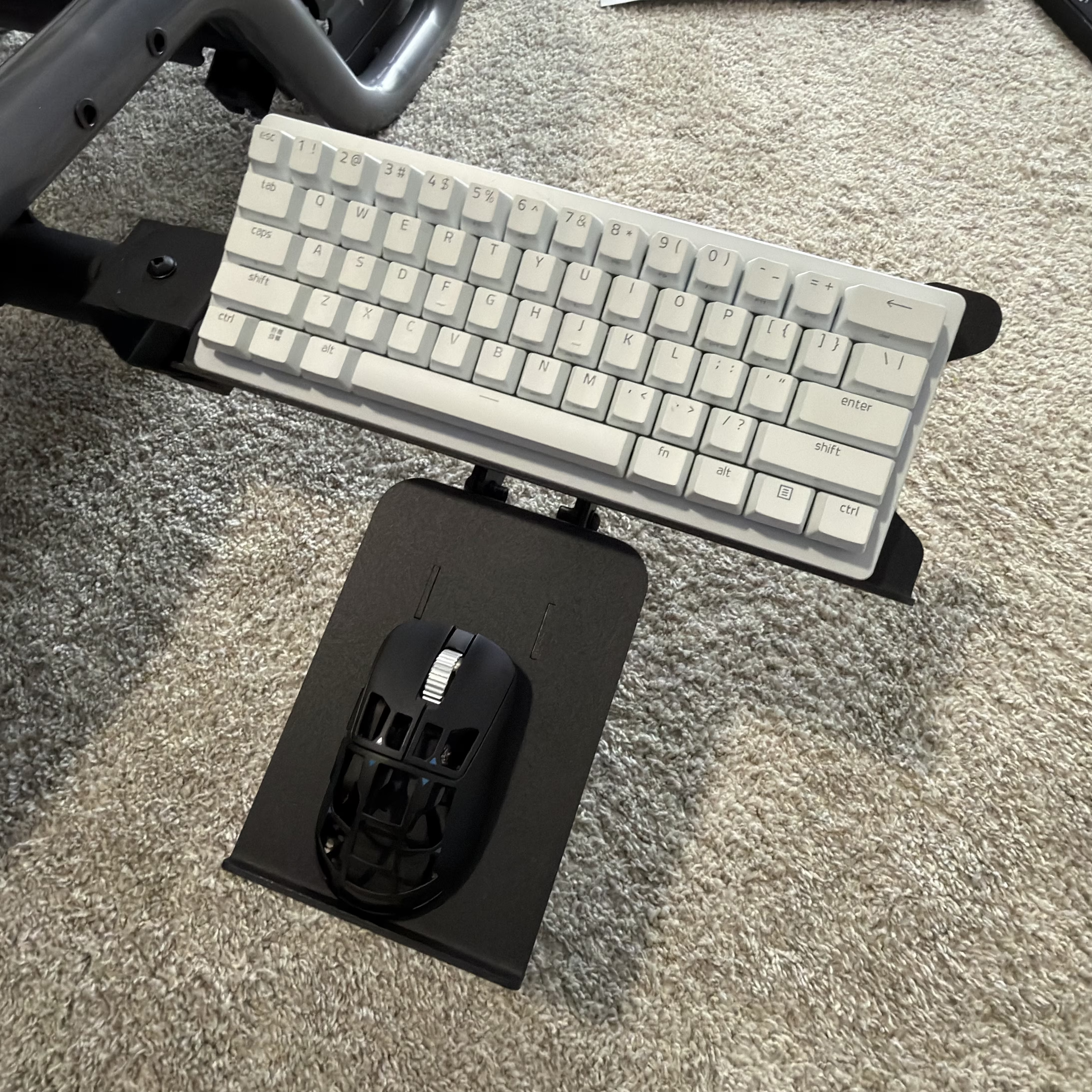
| Keyboard/Mouse | Logitech K400 Plus Wireless Touch |
| Lights | Govee Floor Lamp 2 x 2, Aqara T1 Light Strip |
Here are the components for the PC I built to power the simulator. It started with the Vulcan small-form-factor core, with some significant upgrades.
| Name | Sim Racing PC |
| OS | Microsoft Windows 11 Professional |
| Motherboard | ASUS ROG STRIX B760-I Gaming Wi-Fi Mini-ITX |
| CPU | Intel® Core™ i5-14600K |
| Memory | Corsair Vengeance DDR5 RAM 32GB |
| GPU | PNY NVIDIA GeForce RTX 5070 Ti Overclocked Triple Fan 16GB GDDR7 PCIe 5.0 |
| Storage | Samsung 990 EVO Plus SSD 2TB |
| PSU | ASUS ROG Loki 1000 Watt 80 Plus Platinum SFX-L |
| CPU Cooler | Corsair iCUE H100i RGB Elite |
| Case | Lian Li A3 microATX Mid-Tower Case |
| Mouse | Feinmann F01 Gaming Mouse |
| Keyboard | Razer Huntsman V3 Pro Mini 60% Esports Gaming Keyboard |
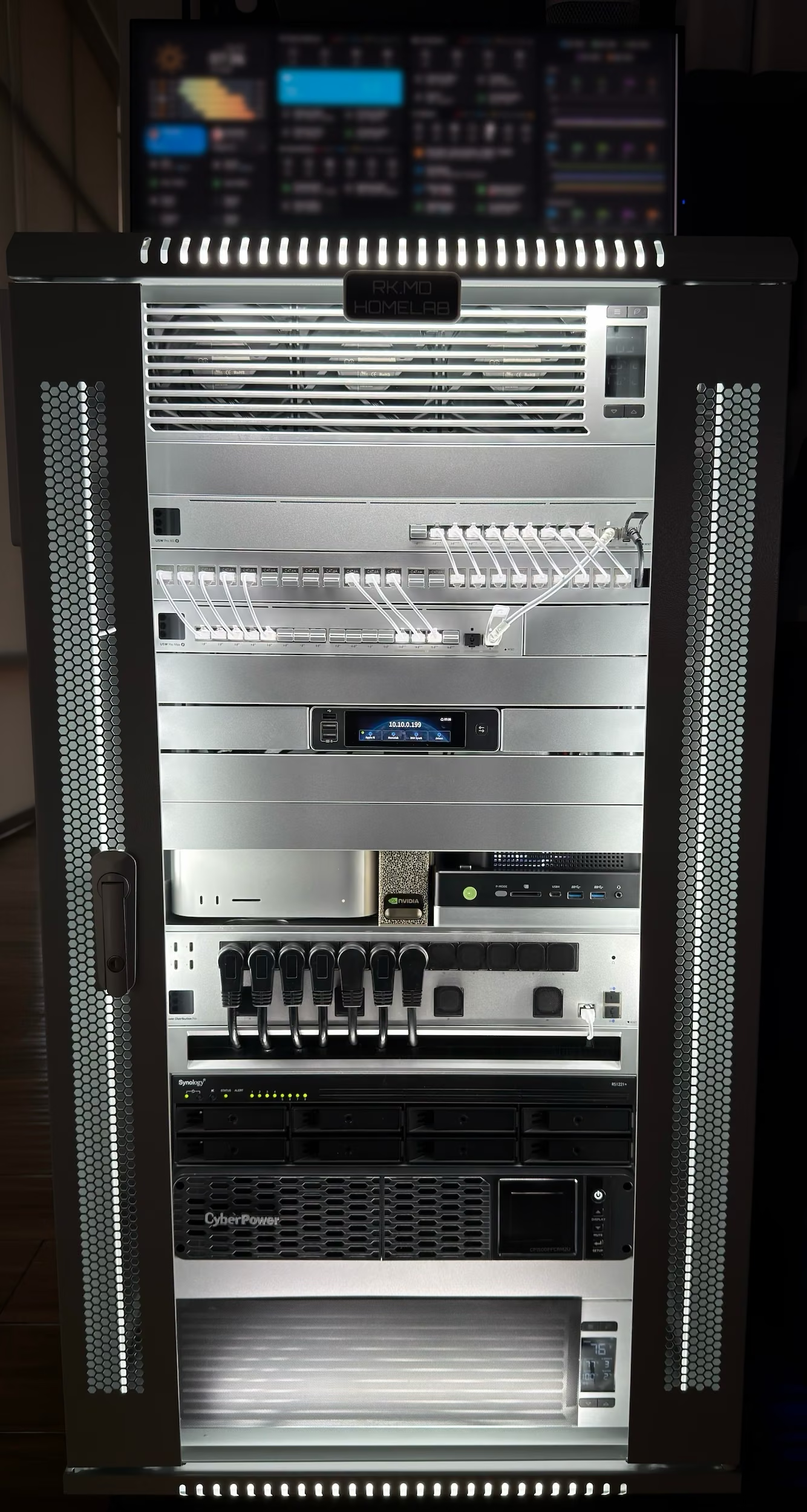
RK.MD Homelab Rack
In the Batcave, I run a homelab that powers my networking, homelab infrastructure, file storage, and local AI stack. The computational backbone of this setup is built around an Apple Mac Studio M1 Ultra, GMKtec EVO-X2 AI Mini PC, and an NVIDIA DGX Spark workstation running a series of Docker containers (see below), AI-related stacks (oMLX, VLLM, TRT-LLM, LMStudio), and a Synology RS1221+ 8-bay NAS.
The heart of the build is the Sysracks 22U Wall Mount Server Rack Cabinet (24” Deep). I used Rack Studs to mount all the hardware, and I connected 6000K LED cabinet lights to a smart plug for cabinet illumination. I spray-painted the AC Infinity intake and exhaust fan plates with Rust-Oleum Metallic Aluminum to fit the Ubiquiti aesthetic.
Now, here are the components from top to bottom (rack units in parentheses).
- AC Infinity CLOUDPLATE T9 Exhaust Fans (3U)
- Blank Panel (1U)
- Ubiquiti Pro XG Ethernet Switch (1U)
- 24-Port Blank Keystone Patch Panel with Cat6A Keystone Coupler + Keystone Blank Insert (1U)
- USW-Pro-Max-16-PoE UniFi 16-Port Layer 2/3 PoE++ Switch with Pro Max 16 Rack Mount (1U)
- Blank Panel (1U)
- GL.iNet Comet X (GL-RM4PE) Quad-Port Remote KVM
- Blank Panel (1U)
- Blank Panel (1U)
- Fixed Rack Shelf (Cantilever) (1U) with Apple Mac Studio M1 Ultra, NVIDIA DGX Spark, GMKtec EVO-X2 AI Mini PC
- UniFi Power Distribution Pro with right-angle NEMA power extension (2U)
- Brush Panel (1U)
- Synology 8 Bay RackStation RS1221+ (2U)
- CyberPower CP1500PFCRM2U PFC Sinewave UPS Battery Backup and Surge Protector (2U)
- AC Infinity CLOUDPLATE T9-N Intake Fans (3U)
- Hidden hardware:
- Tecmojo 1U Rack Mount 4 Cooling Fan System
- Western Digital 18TB Elements Desktop External Hard Drive
- Aqara Smart Home Hub M3
- UniFi 5G Backup
- SMLIGHT SLZB-06M U Zigbee 3.0 to Ethernet, USB, and WiFi PoE Gateway Coordinator
- UniFi SuperLink Gateway
- UniFi Air Quality Sensor
- Acer UT272 bmipzx 27″ Full HD touch screen
I also 3D-printed several accessories (rack mounts, temperature sensor holders, etc.) and created dust meshes for the air intake fans.
Docker Homelab
A Docker container is a lightweight, standalone executable package that includes everything needed to run software, including the code, system tools, libraries, and dependencies. Docker provides an efficient and consistent way to package, distribute, and run applications in a portable, scalable, isolated, and reproducible manner. Best of all, these containers are free!
Containers are isolated from each other and the underlying host system, allowing applications to be deployed and run consistently across different environments. Docker containers use containerization technology to virtualize the operating system, allowing multiple containers to run on a single host machine without conflicts.
- AdGuard Home: A network-wide ad blocker that functions as a domain name system (DNS) sinkhole
- Arcane: Docker management
- Audiobookshelf: Audiobook repository
- Bazarr: Manages and downloads subtitles
- BentoPDF: PDF tools
- Beszel: Server monitoring
- ByteStash: Code snippet storage system
- Changedetection.io: Website change detection
- Excalidraw: Whiteboard tool
- F1 Replay Timing: Formula 1 metrics
- FlareSolverr: Proxy server to bypass Cloudflare
- FreshRSS: RSS and Atom feed aggregator
- Glances: Monitor for the server and all the Docker containers
- Haus: Ambient sounds
- Homebridge: Integrate with smart home devices that do not natively support HomeKit
- Homepage: A modern, secure, highly customizable application dashboard configured via YAML files
- IT-Tools: Handy online tools for developers
- Karakeep: Bookmark manager
- Lidarr: Music collection manager
- Mazanoke: Image optimizer
- MeTube: Self-hosted video downloader
- MiniQR: Custom QR code generator
- N8N: AI workflow and automation
- NGINX Proxy Manager: Reverse proxy engine
- NTFY: Push notifications
- OpenVPN and Transmission: OpenVPN and Transmission with a configuration where Transmission is running only when OpenVPN has an active tunnel
- Open WebUI: Self-hosted AI platform
- Owncast: Live video and web chat server
- Paperless-ngx: Document management system
- Plex: Media server
- Prowlarr: Indexer manager
- Radarr: Monitors for new movies
- RustDesk: Remote access and control software
- Scrutiny: Hard drive health dashboard
- SearXNG: Federated metasearch engine
- Seerr: Request management and media discovery tool
- Sonarr: Monitors for new episodes of television shows
- Speedtest Tracker: Internet performance tracking
- Tailscale: WireGuard®-based virtual private network
- Tautulli (Plex): Plex activity monitor
- Termix: SSH and file manager
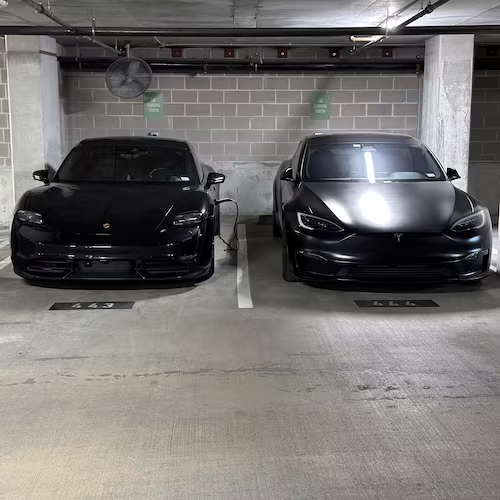
- TeslaMate: A self-hosted data logger for my Tesla Model S Plaid
- Uptime Kuma: A self-hosted monitoring tool