This post was last updated on 5/27/2026.
Between the operating room, ICU responsibilities, education, research, content creation, app development, administrative work, and everything else life throws at me, I realized fairly early on that there are not enough hours in the day to simply “work harder” forever.
During medical training, I stopped asking, “How can I do more?” and started asking, “How can I reduce friction?” That shift in mentality changed almost everything about the way I approach productivity.
Getting Things Done (GTD)
At the core of my workflow is a modified version of David Allen’s “Getting Things Done” framework built almost entirely around two native Apple applications: Apple Reminders and Apple Notes. The goals are simple: capture everything, clarify what matters, organize actionable items, review consistently, and execute with focus.
My brain is reasonably good at processing information, recognizing patterns, solving problems, and generating ideas. It is significantly worse at storing incomplete loops, random obligations, future reminders, and fleeting thoughts. Offloading those responsibilities into a trusted system frees up mental bandwidth for work that actually requires attention.
Minimize Applications
“Simplicity is the ultimate sophistication.” — Leonardo da Vinci
That philosophy heavily influences how I separate workflows. Reminders contains actions. Notes contains thinking.
Apple Notes has effectively become my peripheral brain. Research ideas, lecture outlines, ICU teaching points, blog drafts, app feature ideas, random observations walking through the hospital at 2 AM, and educational concepts all end up there. The barrier to quickly capturing an idea is essentially nonexistent.
Meanwhile, Apple Reminders has quietly evolved into an incredibly capable task manager. Smart Lists, natural language parsing, tags, location based reminders, Siri integration, and seamless synchronization across devices make it far more powerful than most people realize. I experimented with more complex systems over the years, but eventually found myself gravitating back toward simpler native tools that stay out of the way.
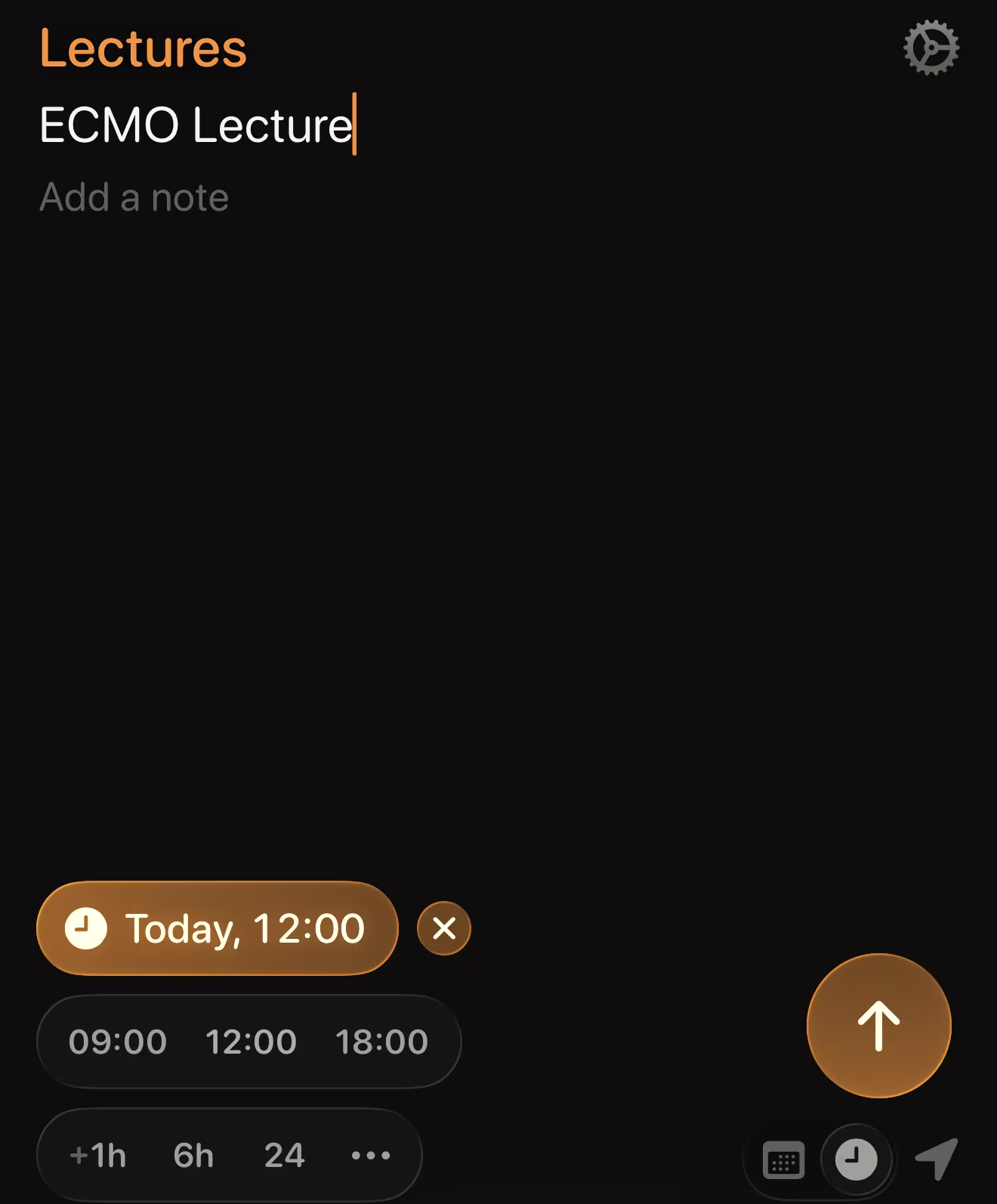
I use workflows in Alfred 5 for macOS and Remind Me Faster on my iOS/iPadOS devices to help me search through notes and add reminders. I also use Siri to add things to my Inbox with a voice command. For example: “Siri, remind me to finish the TEE report from my cath lab case today.”


Using iCloud’s Advanced Data Protection, Notes and Reminders provide end-to-end encryption for my data with everything in sync across my core devices – Mac Studio, MacBook Pro, iPhone, iPad, and Apple Watch. My Windows and Linux machines are used for gaming and homelabbing, respectively, so I don’t necessarily need native apps for those operating systems (although I could access the iCloud services through a browser if need be).
Local Large Language Models (LLM)
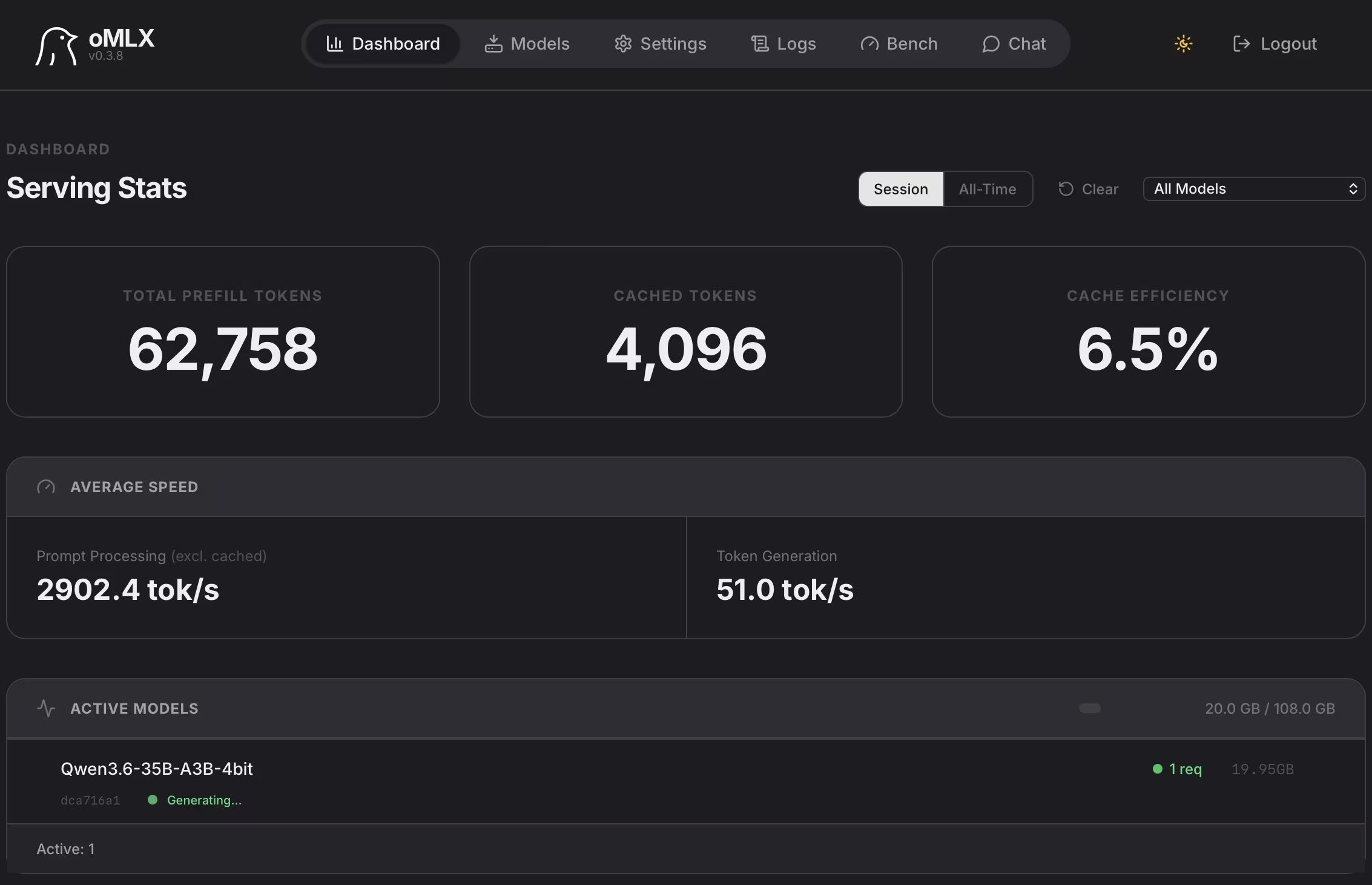
I also increasingly integrate local large language models into my workflow through my homelab infrastructure. Running open-source models like Qwen and Gemma locally via platforms such as vLLM, oMLX, and OpenWebUI has become a useful extension of how I think, write, and organize ideas.
For me, this is not about replacing independent thought. It is about expanding the exploration of ideas. These models help surface perspectives and connections I may not have initially considered while still forcing me to critically evaluate the output.
One of the biggest advantages of local models is control. My data remains within my own infrastructure, allowing local AI to function less like an “answer machine” and more like a collaborative environment for brainstorming and refining complex ideas.
Attention, Not Time
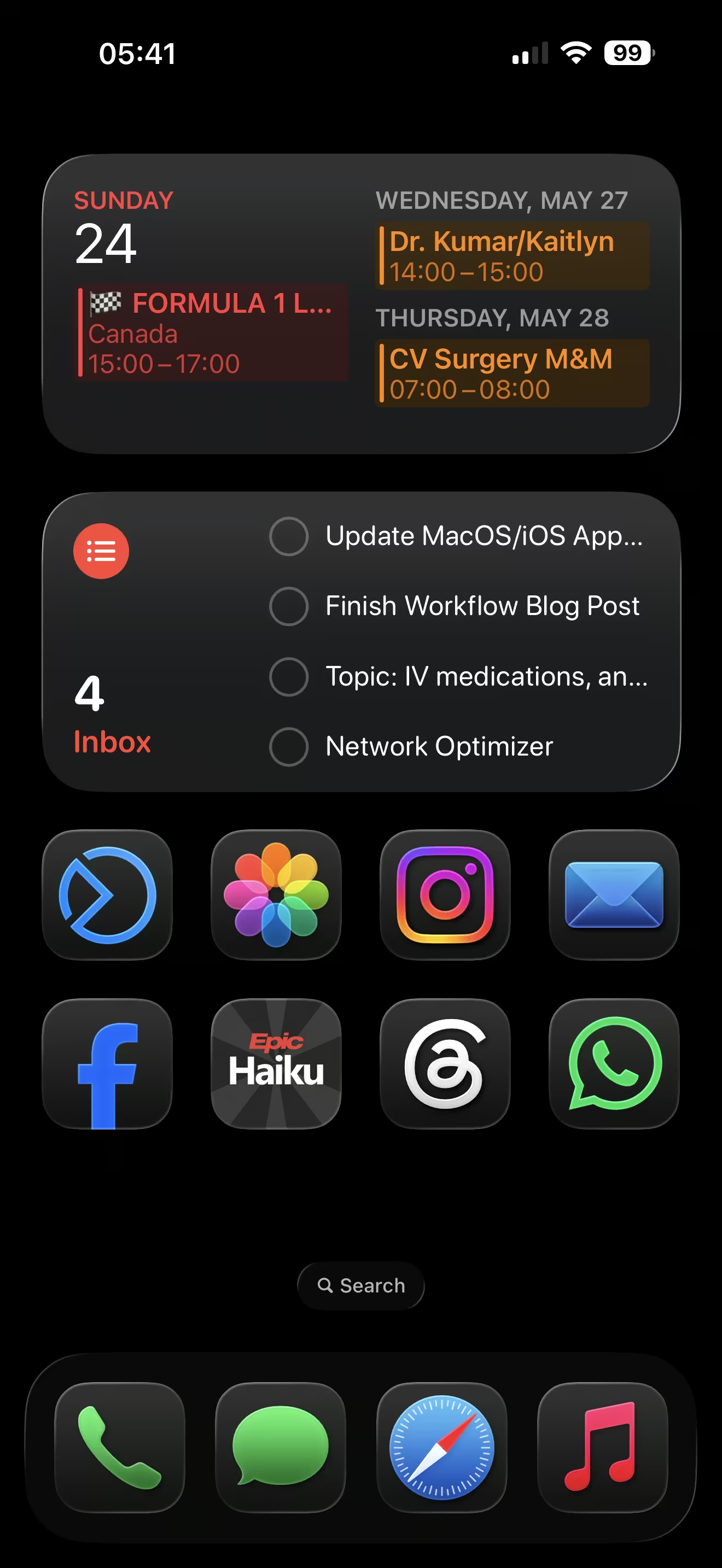
Most of my Reminders lists mirror the structure of my Notes folders. That consistency keeps projects, ideas, references, and actionable tasks connected without requiring complicated third party software.
A research idea may begin as a quick note, evolve into references and outlines, then transition into reminders to review literature, analyze data, draft a manuscript, or submit an abstract. The same thing happens with lectures, educational content, app development, and administrative work.
Over time, I realized productivity is less about time management and more about attention management. Deep writing, ICU decision making, educational work, and administrative tasks all require different mental states. Constant context switching destroys momentum, so I batch similar categories of work together whenever possible.
The best productivity systems are not necessarily the most feature-rich. They are the systems I will actually use consistently. Good technology should quietly support the work rather than constantly demand attention itself.
I still refine my workflows constantly because career demands, responsibilities, and life itself continue to evolve. Good systems should evolve too.


Leave a Reply